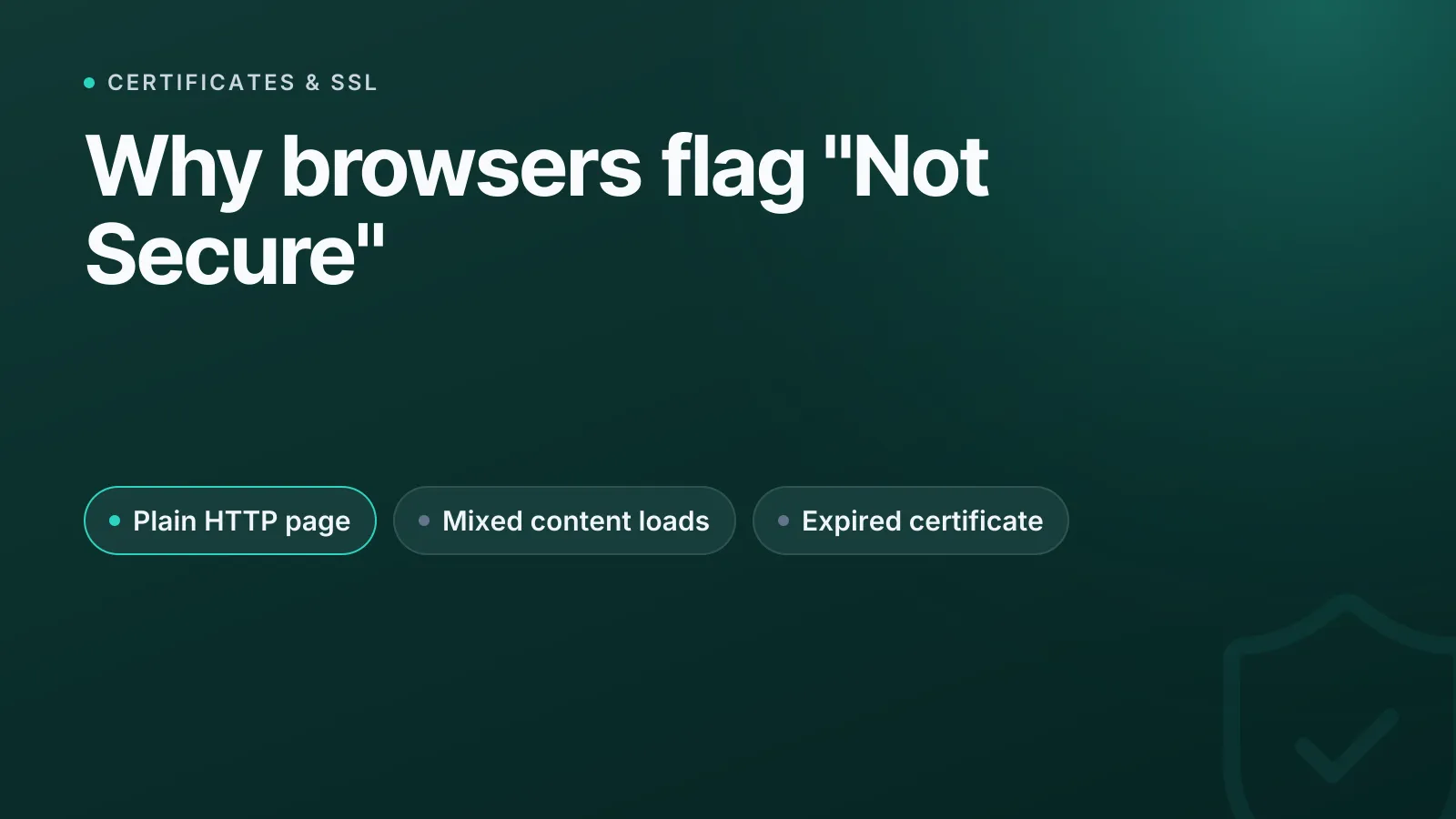
Een browser toont "Niet beveiligd" wanneer een pagina zonder geldige HTTPS-versleuteling wordt geleverd: omdat ze via gewone HTTP wordt geladen, omdat ze HTTP- en HTTPS-bronnen door elkaar gebruikt, of omdat het TLS-certificaat verlopen of verkeerd uitgegeven is of niet bij het domein past. De oplossing is bijna altijd om de hele pagina via HTTPS te leveren, met een geldig certificaat voor de juiste hostnamen en zonder onbeveiligde subresources.
Waardoor de melding "Niet beveiligd" precies verschijnt
De belangrijkste trigger is simpel: elke pagina die via gewone HTTP wordt geladen in plaats van HTTPS (HTTP bovenop TLS, Transport Layer Security) is onversleuteld en niet geauthenticeerd, dus de browser markeert haar. Sinds Chrome 68 in juli 2018 markeert Google alle gewone HTTP-pagina's als "Niet beveiligd" in de adresbalk, en niet alleen pagina's met inlogformulieren, zoals onder het eerdere, beperktere beleid. Firefox toont een doorgestreept slotje bij HTTP-pagina's en geeft een duidelijkere waarschuwing zodra de pagina een wachtwoordveld bevat. Safari toont de tekst "Niet beveiligd" naast de adresbalk, met extra nadruk als er een tekst- of wachtwoordveld is.
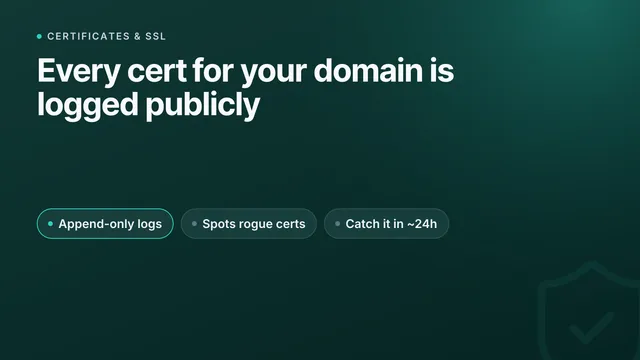
Browsers waarschuwen ook op HTTPS-pagina's als het certificaat zelf het probleem is: verlopen, self-signed, uitgegeven voor de verkeerde hostnaam of niet correct vastgelegd in Certificate Transparency-logs (een openbaar registratiesysteem dat Chrome vereist voor vertrouwde certificaten). En een derde categorie betreft sites die technisch gezien HTTPS gebruiken, maar toch sommige bronnen via HTTP laden: mixed content.
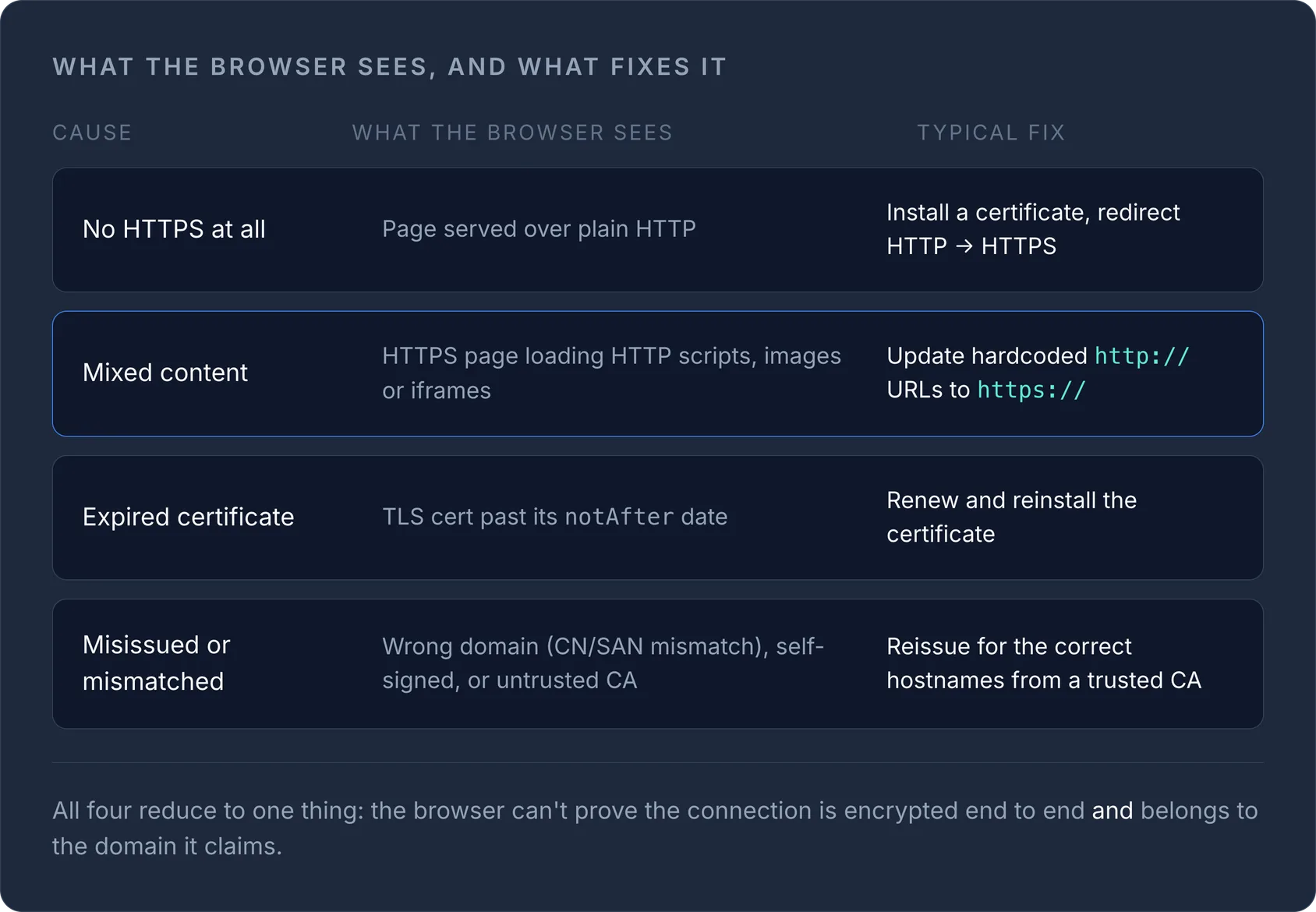
De vier echte oorzaken
| Oorzaak | Wat de browser ziet | Gebruikelijke oplossing |
|---|---|---|
| Helemaal geen HTTPS | Pagina geleverd via gewone HTTP | Installeer een certificaat, stuur HTTP door naar HTTPS |
| Mixed content | HTTPS-pagina laadt HTTP-scripts/-afbeeldingen/-iframes | Wijzig hardcoded http://-URL's in https:// |
| Verlopen certificaat | TLS-certificaat voorbij de notAfter-datum |
Vernieuw het certificaat en installeer het opnieuw |
| Verkeerd uitgegeven/niet-passend certificaat | Verkeerd domein (CN/SAN-mismatch), self-signed of niet-vertrouwde CA | Laad het opnieuw uitgeven voor de juiste hostnaam/-namen door een vertrouwde CA |
Elk van deze oorzaken levert een iets andere browsermelding op, maar ze komen allemaal voort uit hetzelfde basisidee: de browser kan niet garanderen dat de verbinding end-to-end versleuteld is en echt hoort bij het domein dat ze claimt.
Waarom je site HTTPS heeft maar toch "Niet beveiligd" toont
Dit is het geval dat de meeste mensen in verwarring brengt, want de site heeft duidelijk een slotje of een geïnstalleerd certificaat en wordt toch gemarkeerd. Het gaat bijna altijd om mixed content: de HTML wordt via HTTPS geleverd, maar een stylesheet, script, afbeelding of iframe is hardcoded naar http:// in plaats van https:// of een protocolrelatieve URL. Browsers blokkeren of degraderen die onbeveiligde subresources in plaats van ze te vertrouwen. Actieve mixed content (scripts, iframes, stylesheets en fetch/XHR-verzoeken) wordt direct geblokkeerd. Daarom kan een pagina haar opmaak verliezen of volledig breken op het moment dat ze naar HTTPS verhuist. Passieve content zoals afbeeldingen en media wordt meestal nog wel geladen, maar dat is genoeg om het slotje te laten verdwijnen en "Niet beveiligd" te tonen.
Mixed content vinden en oplossen
- Open de browserconsole (DevTools → Console). Mixed-contentwaarschuwingen noemen precies welke
http://-URL's het probleem veroorzaken. - Pas elke verwijzing aan: verander
http://inhttps://als de bron dat ondersteunt, of gebruik een rootrelatieve (/path) of protocolrelatieve (//host/path) URL, zodat het schema van de pagina wordt overgenomen. - Controleer de gebruikelijke verstopplekken: hardcoded links in templates, oudere CMS-content, e-mail- en marketingembeds, advertentie- en analyticstags en widgets van derden.
- Voeg een vangnet toe: de header
Content-Security-Policy: upgrade-insecure-requestslaat de browser elke resterendehttp://-subresource ongemerkt herschrijven naarhttps://, zodat één gemiste URL het slotje niet breekt.
Als het SSL-certificaat de oorzaak is
De meest voorkomende terugkerende reden dat een site "Niet beveiligd" wordt, is geen mislukte build, maar een certificaat dat is verlopen:
- Verlopen: een handmatig certificaat dat niemand bijhield, of een automatische verlenging die stilletjes mislukte. Vernieuw het en installeer het opnieuw, en automatiseer de verlenging (ACME / Let's Encrypt) waar dat kan.
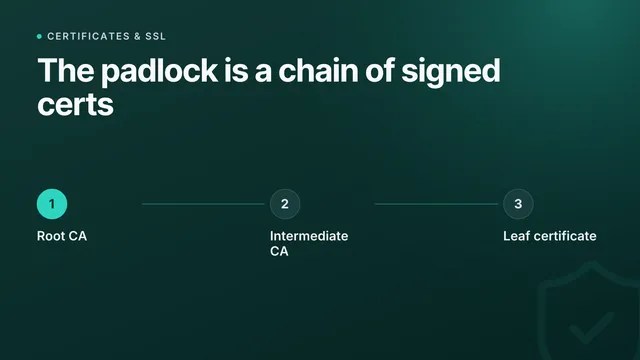
- Onvolledige keten: het certificaat is geldig, maar de server stuurt het intermediate-certificaat niet mee, waardoor sommige browsers en clients het weigeren. Installeer de volledige keten opnieuw.
- Verkeerde hostnaam of niet-vertrouwde uitgever: een self-signed certificaat, of een certificaat uitgegeven voor
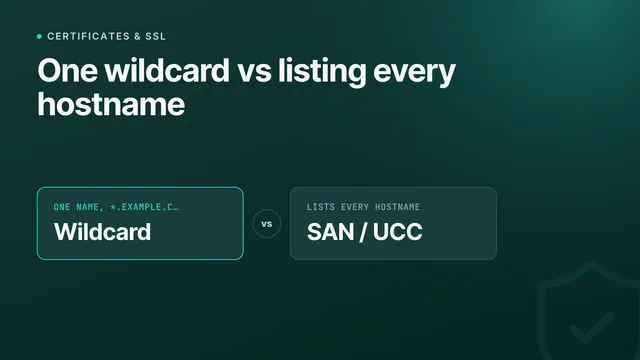
example.comterwijl jewww.example.comserveert. Laat het opnieuw uitgeven door een vertrouwde CA voor precies de juiste hostnamen (allemaal, in de SAN-lijst).
Wacht niet tot een klant het je vertelt
"Niet beveiligd" is een probleem voor vertrouwen én SEO (Google gebruikt HTTPS als rankingfactor en browsers tonen de waarschuwing aan elke bezoeker), maar meestal hoor je het pas van een klant, niet eerder. De echte oplossing is dus om er actief op te letten. InfraNest ontdekt elk TLS-certificaat op de domeinen en servers die je koppelt, houdt elke vervaldatum bij met meldingen weken van tevoren, beoordeelt de configuratie van A tot F en signaleert misconfiguraties (een ontbrekend intermediate-certificaat, een verkeerde hostnaam, een naderende vervaldatum) voordat een browser het slotje in een waarschuwing verandert. Groen blijft groen.
Probeer het met een gratis tool
Was dit artikel nuttig?