Most domain breaches don't start with a stolen password — they start with a DNS misconfiguration nobody noticed. A domain passes real DNS security review when its DNSSEC chain validates, its CAA record restricts issuing CAs, its SPF/DKIM/DMARC records are correctly scoped and enforced, and its nameserver and zone hygiene leaves no dangling records or open zone transfers. Below are 20 concrete checks you can run against any domain, grouped by category, with copy-pasteable examples.
Why a DNS security checklist matters
DNS sits underneath everything — email delivery, TLS issuance, site resolution. A single stale CNAME or a missing CAA record can let an attacker take over a subdomain or issue a rogue certificate for your domain without ever touching your servers. Running through a fixed checklist catches the boring, high-impact stuff that ad-hoc audits miss.
DNSSEC checks (1–2)
1. DNSSEC is enabled and the chain of trust validates. DNS Security Extensions (DNSSEC) sign your zone so resolvers can verify records haven't been tampered with in transit. Check that your domain's DS record at the registrar matches the DNSKEY published in your zone — a mismatch causes SERVFAIL on every validating resolver, which silently breaks the site for security-conscious networks. Verify with dig +dnssec yourdomain.com or through our DNS lookup tool.
2. NSEC3 is used instead of plain NSEC. Standard NSEC responses let anyone "walk" your zone and enumerate every record name it contains, which hands reconnaissance to an attacker for free. NSEC3 hashes the names in denial-of-existence responses so zone enumeration isn't trivial. If your DNS provider supports it, prefer NSEC3.
CAA record check (3)
3. A CAA record restricts which Certificate Authorities can issue for your domain. Without a Certificate Authority Authorization (CAA) record, any public CA can issue a certificate for your domain if they're tricked or compromised. Publish one to lock issuance down:
yourdomain.com.  IN  CAA  0 issue "letsencrypt.org"
yourdomain.com.  IN  CAA  0 issuewild ";"
yourdomain.com.  IN  CAA  0 iodef "mailto:security@yourdomain.com"
That example allows only Let's Encrypt to issue standard certificates, blocks all wildcard issuance, and tells CAs where to report violation attempts. For background on how issuance and the trust chain actually work, see SSL certificates explained.
Email authentication checks (4–7)
4. SPF has exactly one TXT record and stays under the 10-lookup limit. Sender Policy Framework (SPF) is defined in RFC 7208. Two SPF TXT records on the same domain is itself a failure condition, and exceeding 10 DNS-lookup-causing mechanisms (include, a, mx, ptr, exists, redirect) triggers a permanent error that can fail the whole check. Validate yours with the SPF generator, and read how to create a secure SPF record if you need to trim lookups.
5. DKIM keys are at least 2048-bit and not using rsa-sha1. DomainKeys Identified Mail (DKIM, RFC 6376) signs outbound mail so receivers can verify it wasn't altered. RFC 8301 deprecated the rsa-sha1 algorithm and recommends RSA keys of 2048 bits or more — 1024-bit keys are legacy and should be rotated out.
6. DMARC is published at enforcement, not just monitoring. Domain-based Message Authentication, Reporting and Conformance (DMARC, RFC 7489) uses a p= tag of none, quarantine, or reject. A domain sitting at p=none indefinitely gets reporting but no actual protection against spoofing — move to quarantine or reject once your rua aggregate reports show clean SPF/DKIM alignment. Build or check one with the DMARC generator.
7. DMARC alignment mode matches your intent. The adkim/aspf tags control whether SPF and DKIM domains must exactly match the From: header domain (s strict) or just share an organizational domain (r relaxed, the default). Relaxed alignment is fine for most setups but review it if you send from many subdomains.
Nameserver and zone hygiene checks (8–14)
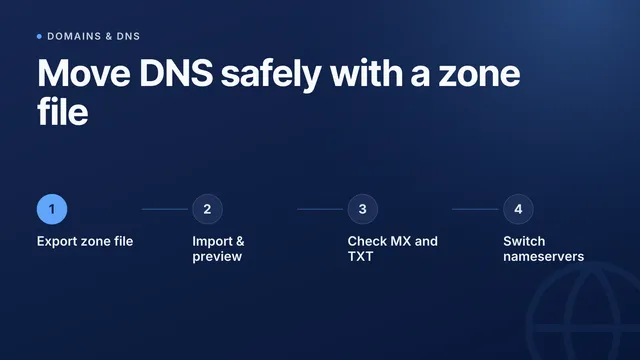
8. NS records match between the registrar and the zone. If the nameservers listed at your registrar don't match what's actually served in the zone, resolution can become inconsistent or split depending on which record a resolver trusts.
9. Glue records are correct for in-bailiwick nameservers. If your nameservers are subdomains of the domain itself (e.g. ns1.yourdomain.com), the parent zone needs glue records pointing directly at their IPs, or resolution can loop or fail.
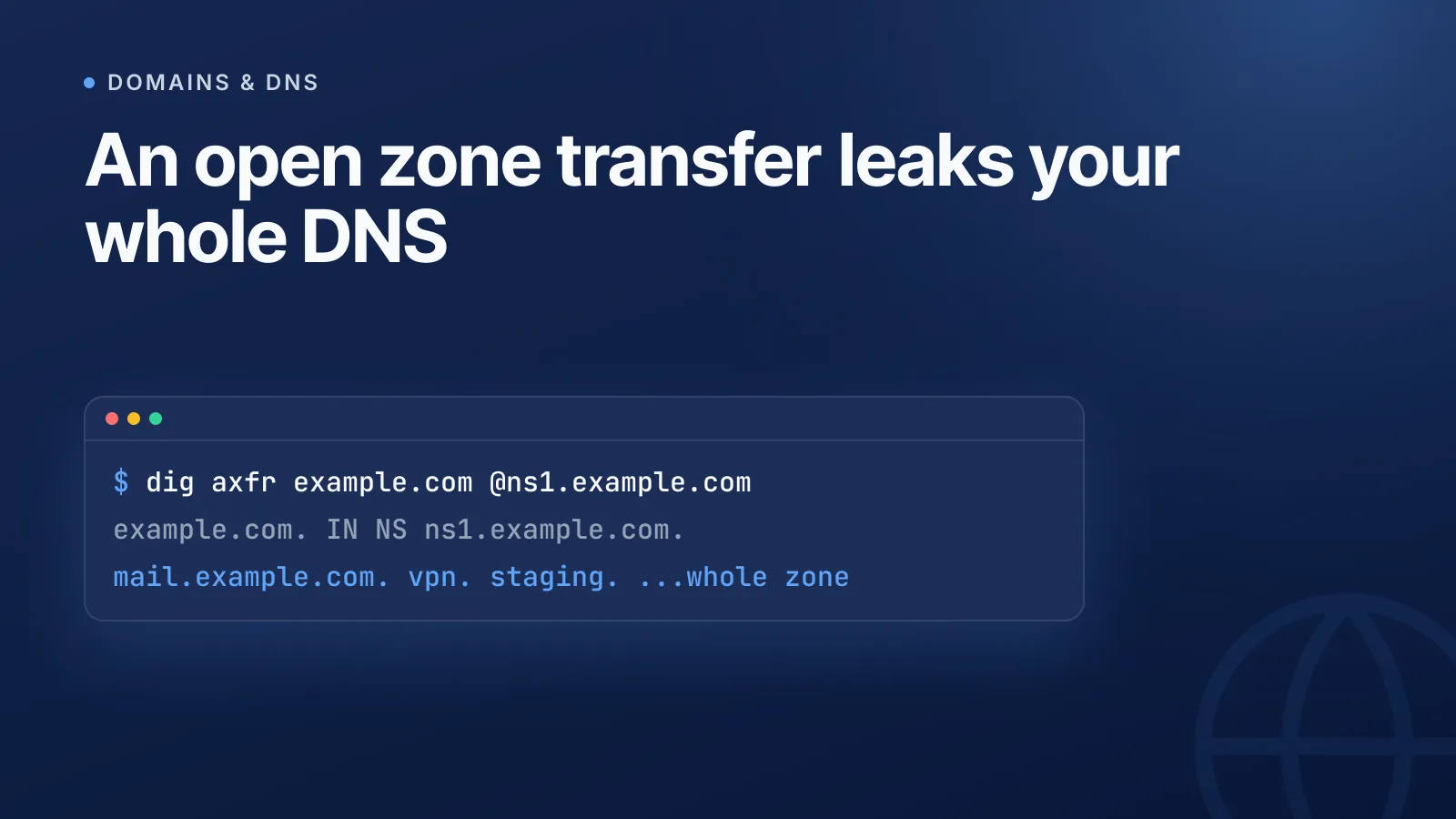
10. Zone transfers (AXFR) are restricted to authorised secondaries. An open zone transfer hands your entire DNS zone to anyone who asks. Test it externally:
dig axfr yourdomain.com @ns1.yourdomain.com
If that returns your full record set from outside your infrastructure, lock it down immediately — it should only succeed for your own registered secondary servers.
WarningAn open AXFR response is one of the fastest ways for an attacker to map every subdomain, mail server and internal hostname you have — treat any successful external zone transfer as a critical finding.
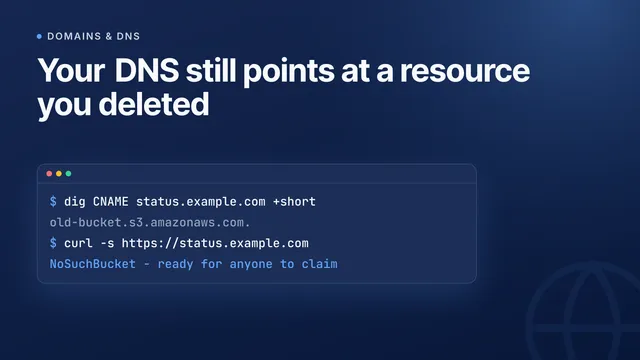
11. No dangling records point at decommissioned resources. A CNAME still pointing at a deleted cloud storage bucket, load balancer, or SaaS endpoint is a classic subdomain-takeover vector. Audit every CNAME and A record against what's actually still provisioned. Our DNS record types guide is a useful reference when auditing what each record should be doing.
12. Wildcard records are intentional, not leftover. A *.yourdomain.com record catches every unregistered subdomain, which can quietly resolve phishing lookalikes to your infrastructure or mask typos as legitimate. Remove wildcards you didn't deliberately configure.
13. TTLs are tuned, not left at defaults. Time to live (TTL) controls how long resolvers cache a record. Too high, and you can't fail over quickly during an incident; too low, and you add unnecessary query load. A few hundred to a few thousand seconds is a reasonable baseline for most records, dropped lower ahead of planned changes.
14. Nameservers are geographically and topologically diverse. Running all your authoritative nameservers on one network or one provider means one outage takes your entire domain offline. Spread them across independent networks or ASNs.
Operational and monitoring checks (15–20)
15. Reverse DNS (PTR) is configured for every mail-sending IP. Many receiving mail servers reject or spam-flag mail from IPs without a matching PTR record, and it's a basic anti-spoofing signal.
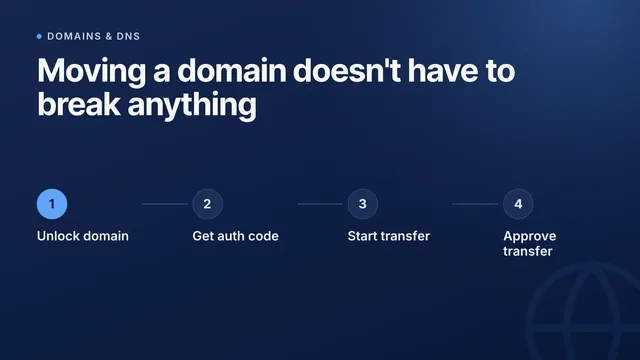
16. Domain transfer lock and 2FA are enabled at the registrar. A transfer lock stops unauthorized transfers away from your registrar, and two-factor authentication (2FA) on the account stops credential-stuffing takeovers.
17. DNS provider access is controlled and logged. Anyone with write access to your zone can redirect traffic or email. Use least-privilege roles and check for audit logging on record changes.
18. Certificate Transparency logs are monitored for rogue issuance. Every publicly trusted certificate gets logged in Certificate Transparency (CT) logs. Watching CT logs for your domain flags a certificate issued without your knowledge, even one from an approved CA.
19. Domain and DNSSEC key expiry are tracked proactively. An expired domain or an unrotated DNSSEC signing key both take a live site offline. See our guide on how to catch an expiring domain for what happens if you miss the window.
20. DNS health is checked on a schedule, not just after an incident. Run a full lookup pass — A, AAAA, MX, TXT, NS, CAA — against your live zone regularly rather than only when something breaks. Pair this with uptime and certificate monitoring so a DNS-level failure surfaces immediately; see website monitoring explained for how that fits together.
Quick-reference table
| # | Check | How to verify |
|---|---|---|
| 1 | DNSSEC chain validates | dig +dnssec domain |
| 2 | NSEC3 not plain NSEC | Zone signing config |
| 3 | CAA restricts issuing CAs | dig CAA domain |
| 4 | Single SPF, under 10 lookups | SPF generator |
| 5 | DKIM ≥2048-bit, no rsa-sha1 | DKIM selector record |
| 6 | DMARC at quarantine/reject | dig TXT _dmarc.domain |
| 7 | DMARC alignment reviewed | adkim/aspf tags |
| 8 | NS matches registrar and zone | Registrar panel vs zone |
| 9 | Glue records correct | Registrar glue settings |
| 10 | AXFR restricted | dig axfr domain @ns |
| 11 | No dangling records | Manual CNAME/A audit |
| 12 | Wildcards intentional | dig * domain |
| 13 | TTLs tuned | Zone record TTLs |
| 14 | Diverse nameservers | ASN/network check |
| 15 | PTR set for mail IPs | dig -x ip |
| 16 | Transfer lock + 2FA | Registrar account settings |
| 17 | Access control/logging | DNS provider audit log |
| 18 | CT log monitoring | CT log search |
| 19 | Expiry monitored | Domain/DNSSEC calendar |
| 20 | Scheduled DNS health checks | Ongoing lookups |
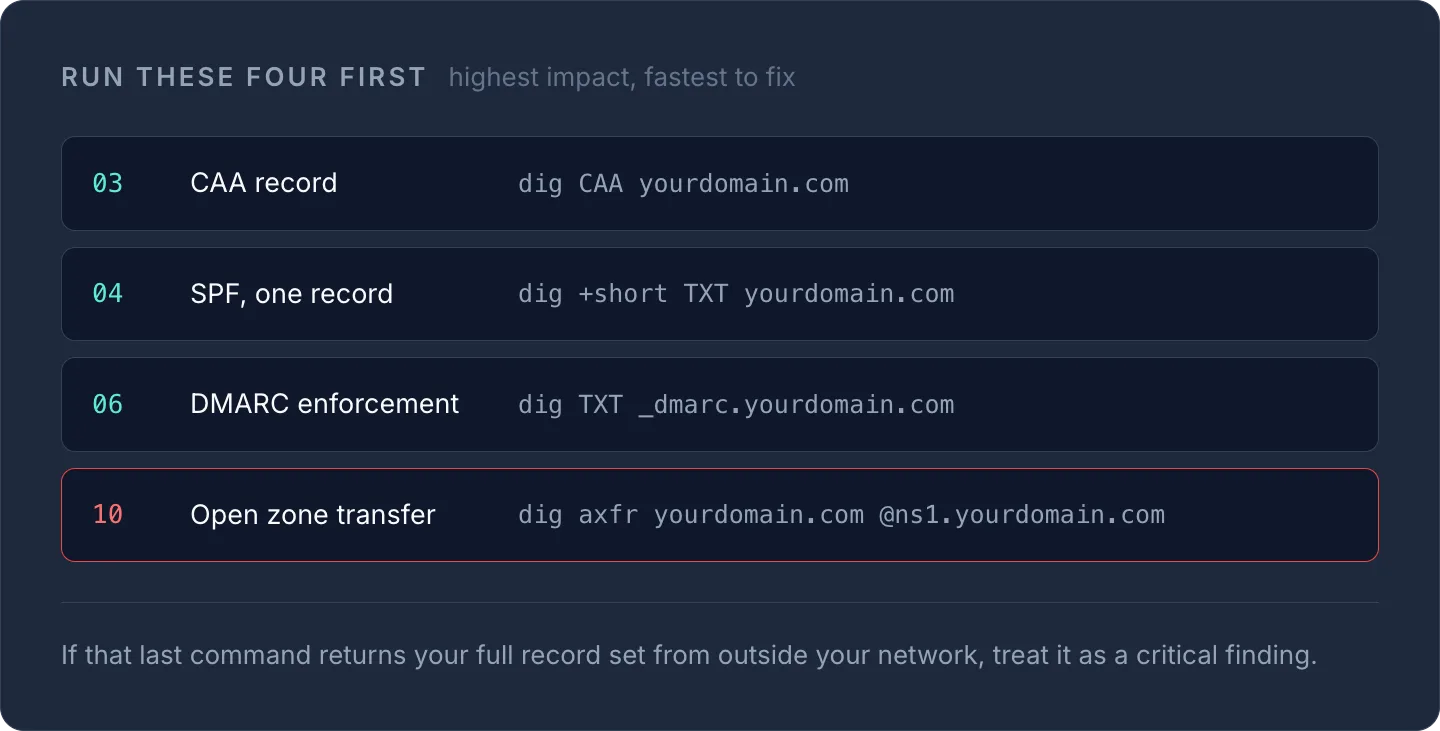
TipRun checks 3, 4, 6 and 10 first — CAA, SPF, DMARC and open zone transfers are the highest-impact, fastest-to-fix items on this list.
Running through all 20 manually across several domains gets tedious fast, especially if you manage records across multiple registrars and providers. InfraNest's DNS features let you audit and manage records, DNSSEC and CAA policy from one dashboard — start with a quick pass using the free DNS lookup tool on any domain you're responsible for.
Frequently asked questions
#What's the single highest-priority DNS security check?
Locking down zone transfers (AXFR) and publishing a CAA record tend to have the biggest impact for the least effort, since an open zone transfer exposes your entire record set and a missing CAA record leaves certificate issuance unrestricted.
#Do I need DNSSEC if I already use SPF, DKIM and DMARC?
Yes — DNSSEC and email authentication protect different things. DNSSEC verifies that DNS responses haven't been tampered with, while SPF, DKIM and DMARC verify that email claiming to be from your domain is legitimate; you need both for full coverage.
#How often should I re-run a DNS security audit?
Quarterly is a reasonable baseline for most domains, with an extra pass whenever you change DNS providers, decommission a subdomain, or onboard a new cloud service that creates CNAME records pointing at it.
Try it with a free tool
Was this article helpful?