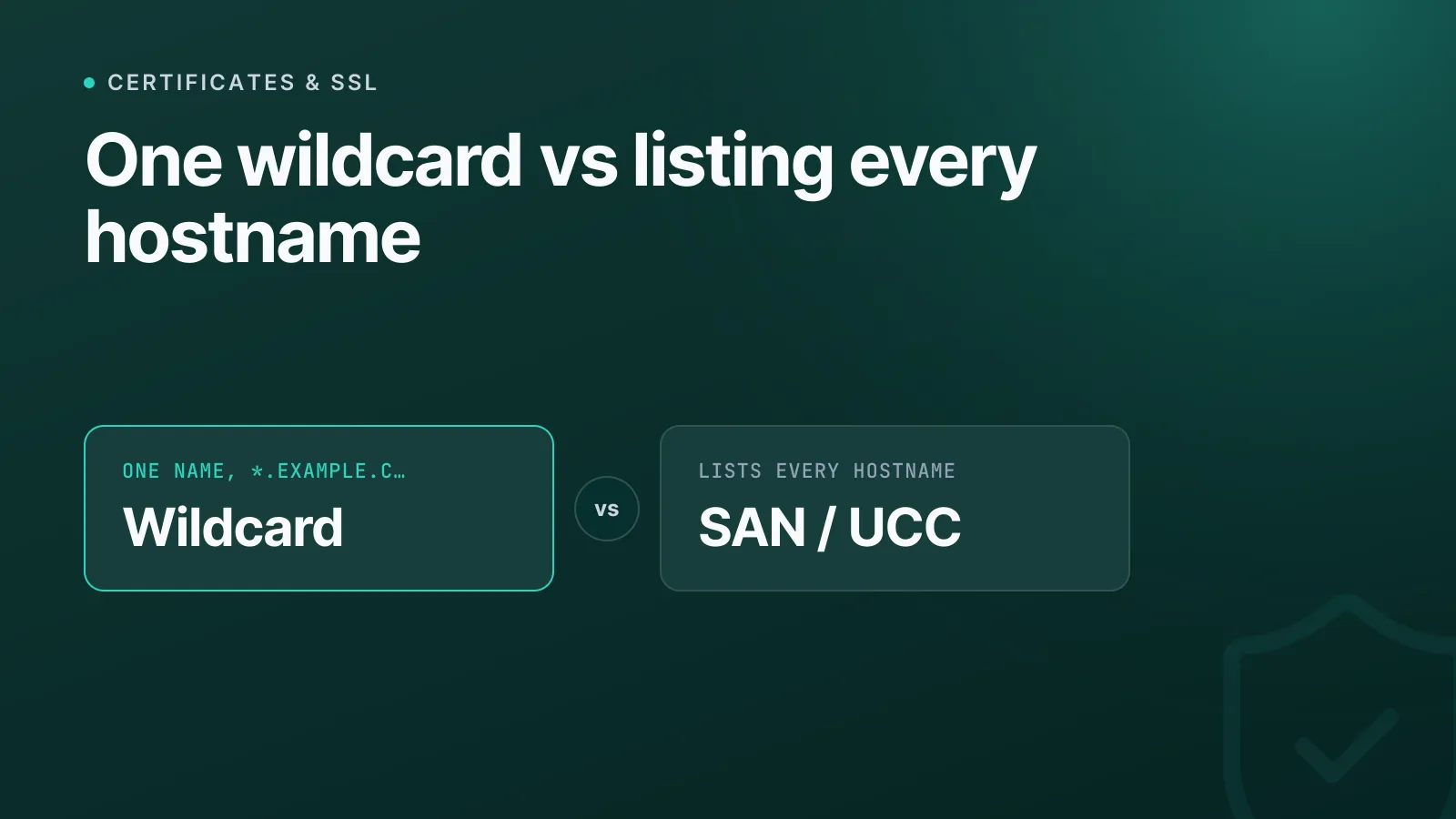
A wildcard certificate secures one left-most subdomain level under a single name (*.example.com), while a SAN certificate (also called a UCC or multi-domain certificate) lists an explicit set of hostnames in its Subject Alternative Name extension. Neither is strictly "better" — they solve different coverage problems, and picking wrong usually shows up later as an unexpected certificate error on a subdomain nobody remembered to add.
What a wildcard certificate actually covers
A wildcard cert uses an asterisk in the left-most label, as in *.example.com. Under RFC 6125, that asterisk can only replace one full left-most label — *.example.com is valid, *.sub.example.com is valid as its own separate wildcard, but f*.example.com (partial-label) and *.*.example.com (multi-label) are not standard wildcard syntax that public certificate authorities (CAs) will issue.
The detail that catches people out: a wildcard does not cover the bare apex domain, and it does not reach down more than one level. *.example.com protects www.example.com and api.example.com, but not example.com itself or a.b.example.com. If you need the apex covered too, you add it as a second SAN entry on the same certificate — most issuers do this automatically when you request a wildcard through their standard flow, but it's worth checking the resulting SAN list rather than assuming.
Public CAs also won't issue a wildcard at or above the public-suffix level — you can't get *.co.uk from a publicly trusted CA, for obvious reasons.
WarningPublic CAs only issue wildcard certificates via DNS-01 domain validation — proving control of the DNS zone by publishing a TXT record. HTTP-based validation can't prove control of subdomains that don't exist yet, so if your DNS is split across providers or locked behind a change-control process, factor that lead time into renewals.
What a SAN certificate actually covers
A SAN certificate lists every hostname it protects individually in the certificate's subjectAltName extension — www.example.com, app.example.com, example.net, shop.example.org can all sit on one certificate, even across entirely unrelated domains. There's no protocol-level cap on how many names a certificate can hold (RFC 5280 doesn't set one), but CAs impose their own practical ceilings — commonly somewhere in the 100–250 name range depending on the vendor and product tier, so check the issuing CA's current documentation if you're building a large list.
Each name on a SAN cert can, in principle, use a different validation method, and a SAN list can mix exact hostnames with wildcard entries — for example *.example.com, example.com, and api.partner-domain.com on a single certificate. That flexibility is the main reason SAN certs exist: they let one certificate cover a scattered set of services that don't share a clean subdomain pattern.
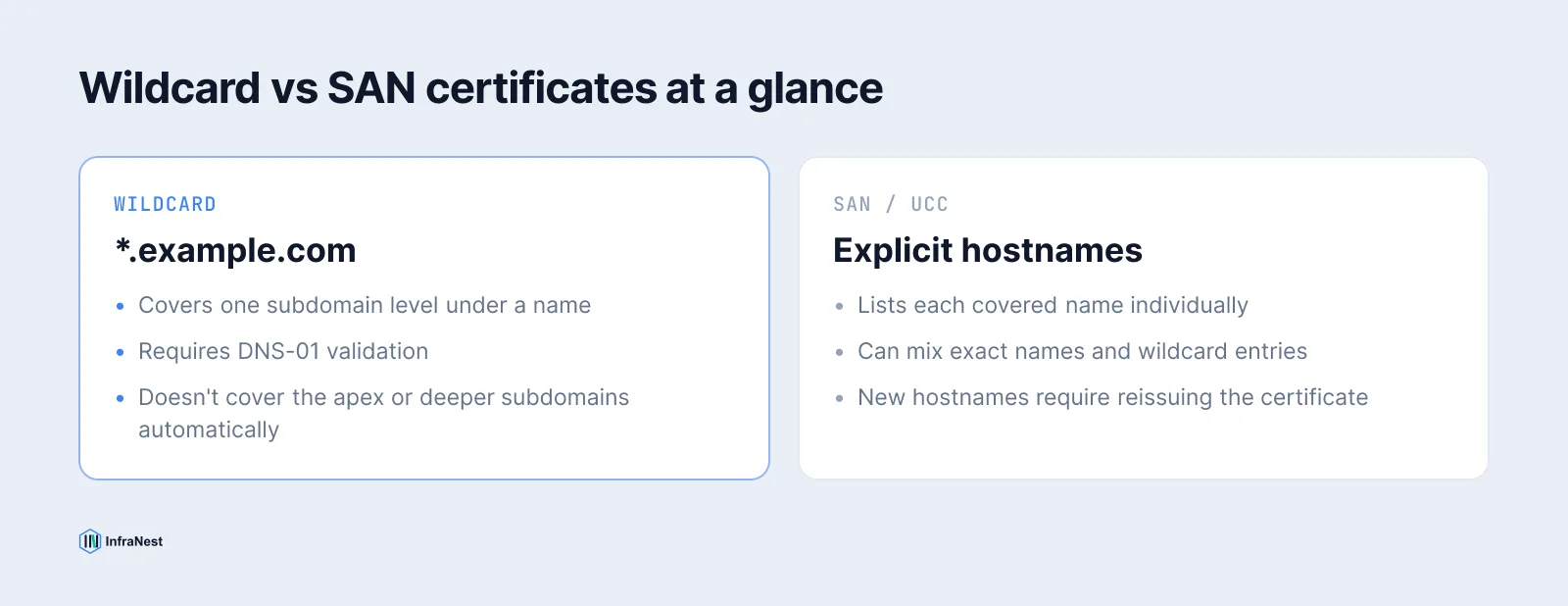
Wildcard vs SAN at a glance
| Wildcard | SAN / UCC | |
|---|---|---|
| Covers | One subdomain level under a name | Each listed hostname explicitly |
| Apex domain | Not included automatically | Add as its own SAN entry |
| New subdomains | Covered automatically if under the wildcard | Must be added and the cert reissued |
| Validation | DNS-01 only (public CAs) | Varies per name |
| Best for | Many subdomains, one pattern | A fixed, mixed list of hostnames/domains |
| Max validity | 398 days (public CAs, same as any cert) | 398 days |
When to use a wildcard
Reach for a wildcard when subdomains under one name are created frequently and predictably — think per-customer subdomains on a SaaS platform (tenant1.example.com, tenant2.example.com), or a microservices setup where new internal services appear under *.internal.example.com faster than anyone wants to manage a SAN list. One certificate quietly covers all of it, and you're not reissuing every time a new subdomain goes live.
The trade-off: a compromised wildcard private key exposes every current and future subdomain under that name at once, which is a bigger blast radius than a single stolen SAN cert covering a fixed list. If you run a wildcard, protect that private key accordingly, and keep an eye on certificate transparency logs for anything issued against your domain that you didn't request.
When to use a SAN certificate
SAN certs make sense when you have a known, relatively stable set of hostnames that don't follow a single pattern — a marketing site on the apex, an app on a subdomain, an API on a different TLD, maybe a partner domain you also terminate TLS for. Listing them explicitly keeps the blast radius smaller (only the named hosts are covered) and keeps validation auditable name by name.
The trade-off runs the other way: every new hostname means editing the SAN list and reissuing the certificate. If your list changes weekly, that overhead adds up fast, and a wildcard (or automation) starts looking better.
TipYou don't have to choose exclusively. A single certificate can combine a wildcard entry with explicit SAN hostnames —
*.example.complusexample.complusapi.partner.comon one cert is valid and common in practice.
Checking what's actually on a certificate
Don't assume coverage from the certificate's common name alone — the common name is often informational now, and what actually matters for matching is the SAN list. Run any live certificate through our free SSL checker to see every SAN entry, the expiry date, and the chain, in one view. It's the fastest way to confirm a wildcard really does cover what you think it covers, or to spot a SAN cert that's missing a hostname before a browser does it for you.
If you're still deciding between a free automated certificate and a commercial one regardless of SAN/wildcard shape, see our Let's Encrypt vs commercial SSL comparison — the wildcard-vs-SAN choice is independent of that decision, and both issuance paths support either shape.
Keeping it all renewed without the spreadsheet
Whichever shape you choose, the operational risk is the same: a cert that silently expires or stops covering a hostname someone added last month. InfraNest's certificate management tracks every certificate across every provider, flags SAN coverage gaps, and automates renewal so wildcard and SAN certs alike get reissued before expiry — not after a customer reports a browser warning.
Frequently asked questions
#Can a wildcard certificate cover the bare apex domain too?
Not automatically. A wildcard like *.example.com only covers one subdomain level; the apex (example.com) has to be added as its own SAN entry, which most issuers do by default if you ask for both when requesting the certificate.
#Does a wildcard certificate cost less than a SAN certificate with the same number of names?
Pricing varies by CA, but wildcards are typically sold as covering unlimited subdomains at one level under a single name, while SAN certs are usually priced per named host or in tiers by SAN count — compare the specific CA's current pricing rather than assuming either is cheaper.
#Can I put a wildcard entry inside a SAN certificate?
Yes. A SAN list can mix a wildcard entry (e.g. *.example.com) with explicit hostnames and even unrelated domains on the same certificate, which is a common way to combine the coverage of both approaches.
#Do wildcard certificates need a different validation method than SAN certificates?
Public CAs validate wildcard entries only via DNS-01 (a DNS TXT record proving zone control), because HTTP-based validation can't confirm control of subdomains that don't exist yet. Individual SAN hostnames can typically use DNS-01 or HTTP-01, whichever the CA supports for that name.
Try it with a free tool
Was this article helpful?