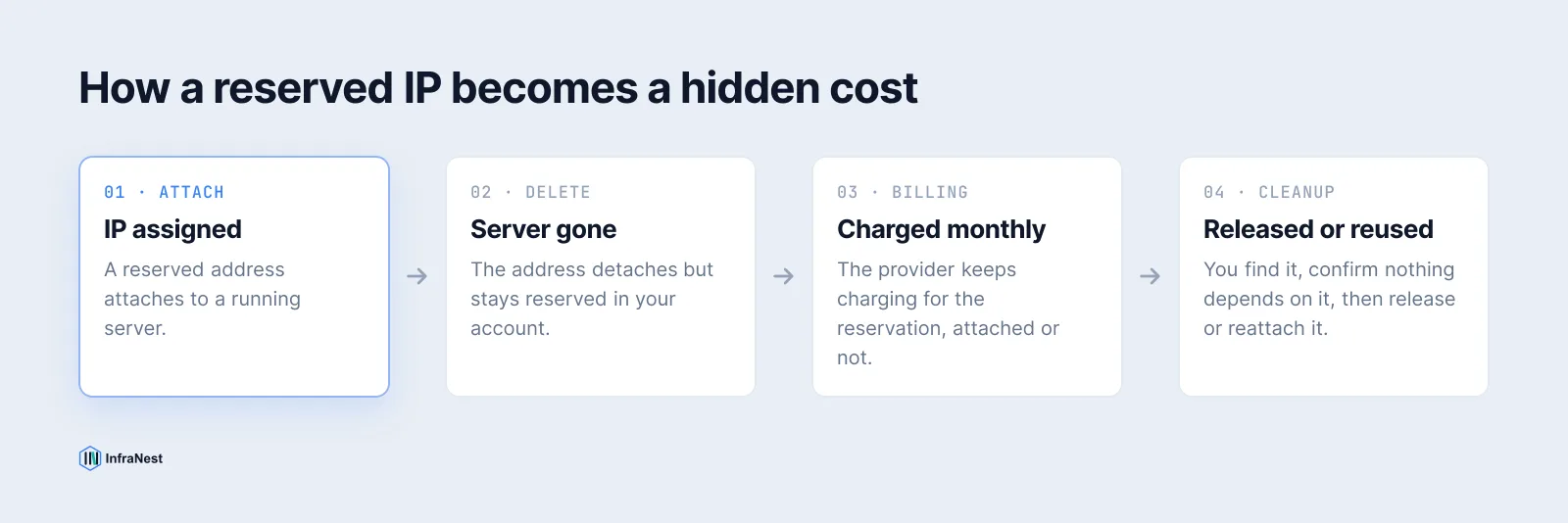
A reserved IP address (also called an elastic IP, floating IP or static IP depending on the provider) doesn't disappear when the server it belonged to does. It stays reserved in your account, and your provider keeps billing for it — often for months — because almost no invoice singles it out as a separate line. Finding and cleaning up unused reserved IP addresses usually means checking each provider by hand, or using a tool that lists every address regardless of whether anything is attached to it.
What counts as a "reserved" IP, and why doesn't deleting the server free it?
A reserved IP belongs to your account, not to a specific machine. AWS calls it an Elastic IP address, Google Cloud a static external IP, and Hetzner, DigitalOcean, TransIP and OVHcloud variously call theirs a floating IP or a primary IP. Because the address is tied to the account rather than the server, deleting or rebuilding the server only detaches it — the reservation stays, ready to be pointed at a new machine later, and the provider keeps charging for holding it.
That's a different sense of "reserved" from the one in networking standards. RFC 1918 (private ranges like 10.0.0.0/8), RFC 5737 (documentation ranges) and the IANA special-purpose registry (RFC 6890) describe which addresses are valid to route at all. A cloud provider's "reserved IP" is an account-level allocation and billing concept — it has nothing to do with those RFCs, and it's the one that quietly shows up on your bill six months after the server is gone.
How each provider bills an unattached reserved IP
The details differ, but the shape is the same everywhere: an address allocated to your account but not bound to a running resource still costs money.
| Provider | Billing when unattached |
|---|---|
| AWS | Bills hourly for every public IPv4 address, attached or not, since a February 2024 pricing change — previously only idle Elastic IPs were charged extra. |
| Google Cloud | Charges a higher hourly rate for a static external IP that isn't attached to a running VM or forwarding rule than one that is in use. |
| Azure | Standard SKU public IPs are billed hourly regardless of attachment — there's no idle discount, so an address you forgot to release just keeps costing the same. |
| Hetzner, DigitalOcean, TransIP, OVHcloud | Reserved, floating or primary IPs are billed monthly whether or not they're attached to a server. |
Check your provider's current pricing page before budgeting around any of these figures — cloud IP pricing has moved before and will move again.
How to find orphaned reserved IPs yourself
Each provider's console or CLI can list reservations and tell you which have nothing attached:
# AWS — Elastic IPs with no association
aws ec2 describe-addresses --query "Addresses[?AssociationId==null]"

# Google Cloud — reserved static addresses not in use
gcloud compute addresses list --filter="status=RESERVED"

# Azure — public IPs with no IP configuration
az network public-ip list --query "[?ipConfiguration==null]"
For Hetzner and DigitalOcean, the console's floating IP or reserved IP page shows the same thing visually — look for any row with no server listed beside it.
TipBefore releasing anything, run a quick check with our DNS lookup tool to see whether the address is still pointed at from an A record somewhere. If it is, leave it alone.
A safe workflow for cleaning them up
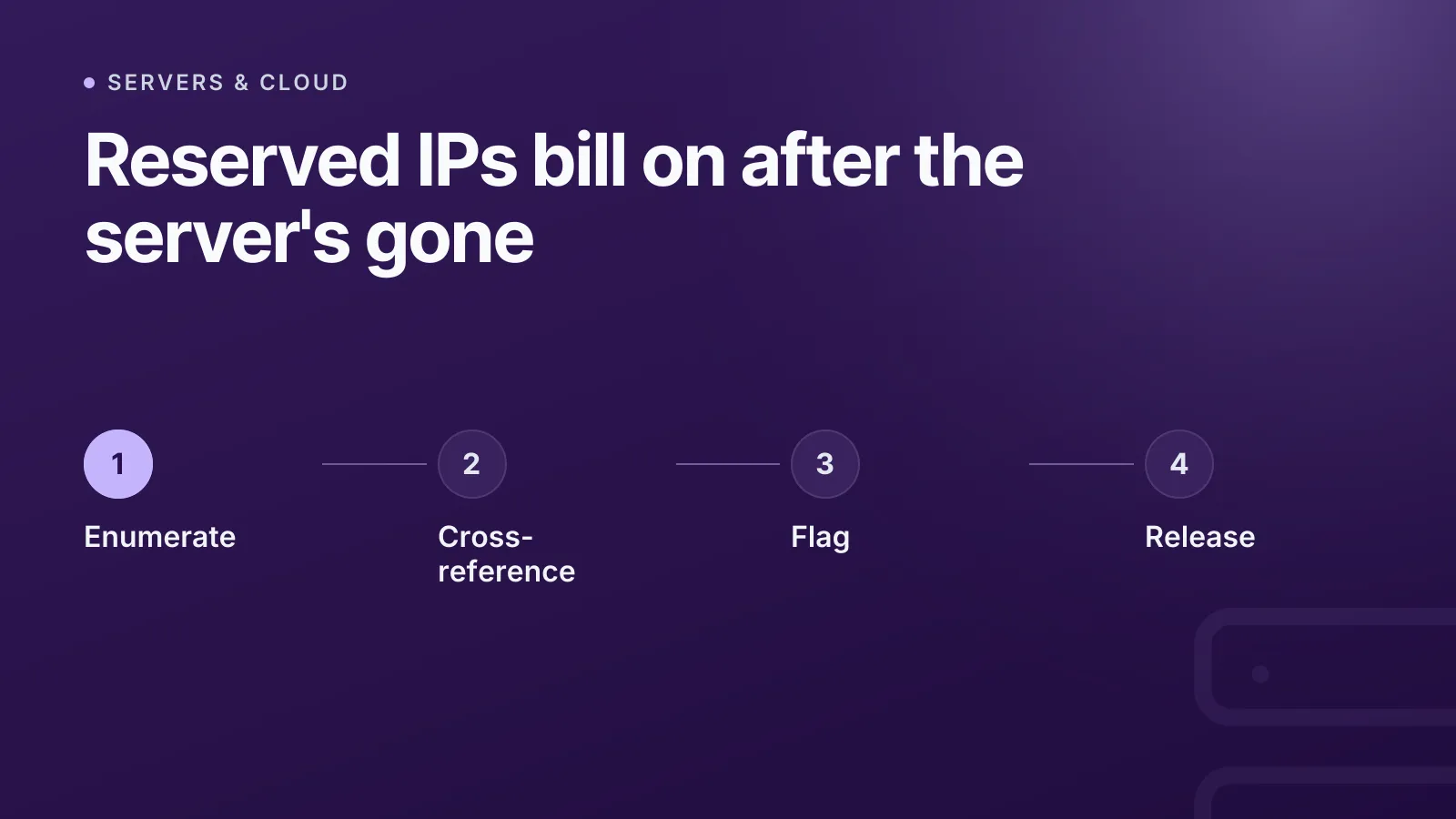
Finding an unattached address isn't the same as knowing it's safe to release. Work through it in order:
- Enumerate every reserved address across every account — not just the ones you remember creating.
- Cross-reference each one against DNS records, firewall allow-lists and any script that might hardcode it.
- Flag anything unattached beyond a grace period — a week or two is usually enough to rule out "I'm about to reattach this."
- Release only once you've confirmed nothing depends on it.
WarningReleasing a reserved IP address is usually not reversible. The provider doesn't guarantee you'll get the same address back, and it may be reissued to another customer entirely.
Finding them without switching between provider consoles
If you run servers on more than one provider, "check each console for unattached addresses" turns into a chore nobody actually does every month. InfraNest's cloud servers feature includes an IP addresses tab that lists every reserved, floating and elastic address across your connected accounts in one place — not just the ones currently attached to a server.
A banner at the top counts how many addresses are attached to nothing and totals what they cost per month, so "am I paying for anything I don't use" has an actual number instead of a guess. Each address also shows which server it used to point at, its reverse DNS and its location, so you can tell a forgotten test box apart from an address you're mid-migration and about to reuse. The monthly figure for each one feeds straight into your cost report, which is where an unattached IP stops being invisible and starts showing up as a line you can act on.
This currently works for Hetzner and DigitalOcean, where the provider's API exposes reserved addresses separately from the servers they're attached to. TransIP and OVHcloud don't expose that split, and the page says so rather than quietly implying you have zero unused addresses there — an absence of data is shown as an absence, not a clean bill of health.
InfraNest won't release an address for you, on purpose. An unattached IP isn't automatically a mistake — some are kept deliberately, for a planned migration or because a partner has it allow-listed — and only you know which situation you're in. The same fleet view sits alongside your servers' health checks under monitoring, so cost cleanup and uptime tracking live in one dashboard instead of two.
If you're already tracking spend across providers, this pairs naturally with a broader infrastructure inventory — an unattached reserved IP is exactly the kind of thing that falls off an inventory nobody double-checks.
Should you just avoid reserved IPs altogether?
Not necessarily — a reserved address is genuinely useful when you need a stable IP that survives a server rebuild, for DNS, allow-lists, or a failover setup. The mistake isn't reserving an address; it's forgetting to release it once the thing it was reserved for is gone. Treat every reservation as a small recurring charge with an expiry date you set yourself, and check it on the same cadence you check the rest of your cost report.
Check your own fleet with the IP addresses tab under cloud servers — it takes a minute, and the banner tells you immediately whether anything is costing money for nothing.
Frequently asked questions
#Does releasing a reserved IP address save money immediately?
Yes — most providers stop the hourly or monthly charge as soon as the address is released, though the change may not appear on your invoice until the next billing cycle.
#Can I get the same IP address back after releasing it?
Usually not. Once released, the address returns to the provider's general pool and can be reassigned to any customer, so treat release as permanent.
#Why does my invoice never show unattached IP addresses separately?
Most providers bill a reserved address as part of a general networking or IP line item rather than naming the specific address, so an idle one blends in with everything else you're charged for.
#Do all cloud providers charge for an unattached reserved IP?
Nearly all do, though the mechanism differs — AWS and Google Cloud specifically penalise the unattached state, while Azure's Standard SKU public IPs are billed flatly whether attached or not.
Try it with a free tool
Was this article helpful?