

Private networks let your servers talk to each other over internal traffic, without going over the public internet. This article is for anyone setting up or managing servers in InfraNest.
Overview
- Lets attached servers reach each other directly, without the traffic going over the public internet.
- Useful for things like an app server that needs to reach a database.
- Some setup choices — like which network a server joins, or its private address — can be permanent depending on the provider, so it's worth reading before you attach anything.
Manage networks
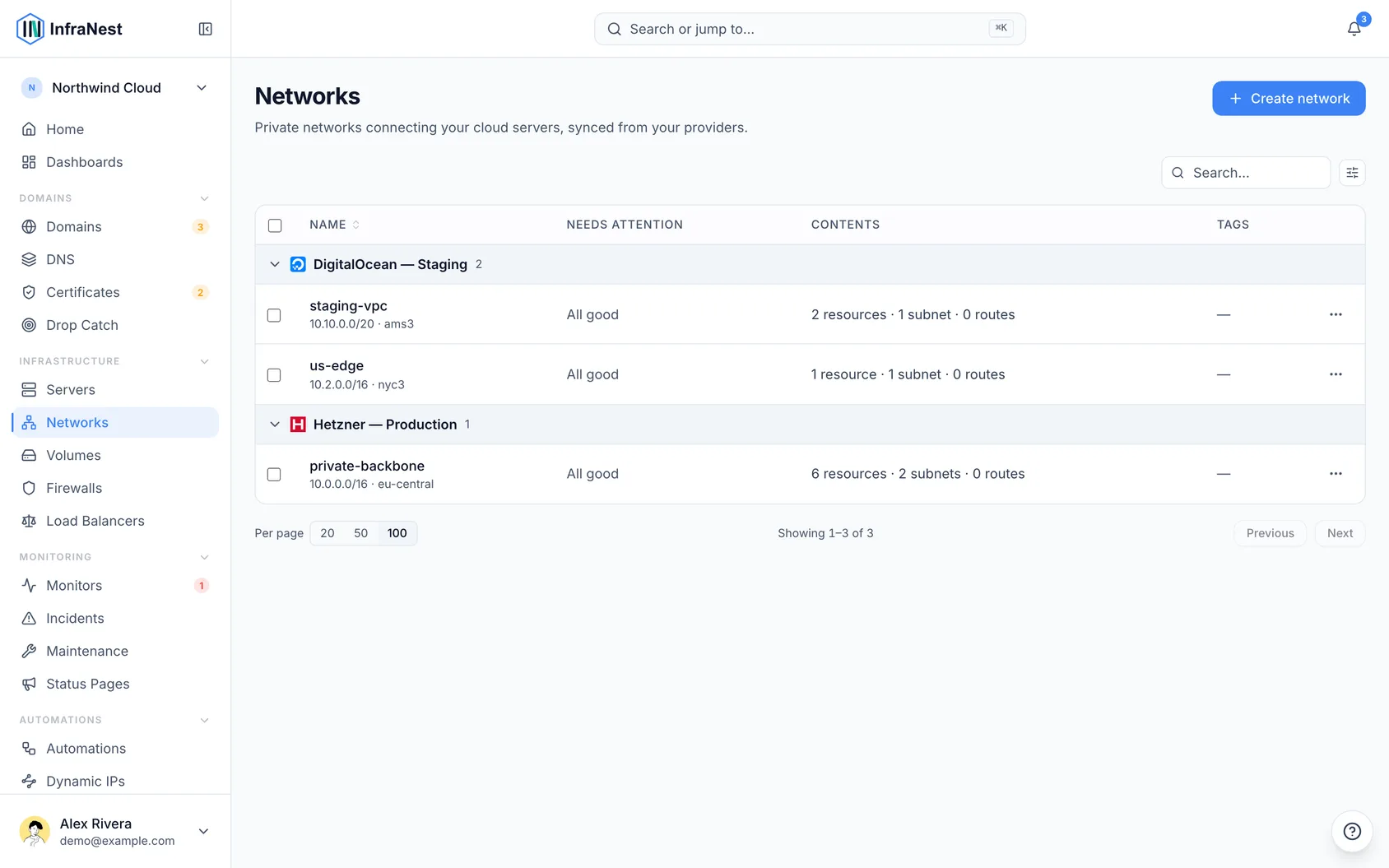
- Go to Networks.
- Select Create network and attach servers to it using Attach server.
NoteYou can also attach a server to a private network from the server's Networking tab.
What attaching a server actually means
This is the part that surprises people, so it's worth reading before you attach anything.
- Know that every server on a private network can reach every port every other server on it exposes, on its private address. There is no "allow" step in between — if one server runs a database on the private network, everything else on that network can talk to it.
- Check whether your provider's firewall applies to private traffic. On some providers — Hetzner among them — the cloud firewall cannot filter this traffic at all. Its rules apply only to the public interface, so a firewall rule cannot block a connection between two servers on the same private network, and the connection won't appear anywhere in the firewall's rules.
- On those providers, remember that who is attached is the only control there is.
- Before you confirm, review what InfraNest shows you: which servers become reachable, and whether the firewall applies.
Choose a network when creating a server (some providers)
Most of the time you can attach and detach a server whenever you like. On DigitalOcean you cannot: a server's private network is set when it is created, and there is no way to move it afterwards. Changing it means building a new server in the other network and moving your work across.
- When creating a server on a provider that works this way, look for the Join a private network option on the create form.
- Pick from the networks InfraNest shows for the location you selected.
- Note the warning on the form — this choice is permanent for that server.
- If you skip this step, the server goes into your provider's default network for that location, which is a real network, just not one you chose.
TipIf you're not sure yet, it's safer to pick the network you think you want. Joining the right one now costs nothing; moving later costs a rebuild.
Give a server a fixed private address
When you attach a server, InfraNest normally lets the provider pick its private IP. That's the right choice most of the time — nothing needs to know the address in advance. Sometimes something does, like a database other machines are configured to reach.
- When attaching the server, fill in Private IP address instead of leaving it blank.
- If the network has more than one subnet, choose which Subnet to land in. With only one subnet, there is nothing to choose and InfraNest won't ask.
- Confirm with Attach {name}.
A few addresses are not available, and InfraNest will tell you before it tries:
- the first address of the network — that's the gateway, so
10.0.0.1is taken even though it looks free; - the first and last address of a subnet, which are reserved by how networks work;
- any address another server on this network already holds.
If you leave the field blank, nothing changes from before: the provider assigns a free address.
WarningOn Hetzner there is no way to change a server's private address afterwards. The only route to a different one is Detach server and attaching again, which takes the server's network connection down while it happens. Choose the address at the moment you attach.
Grow a network that has run out
If a network has no room left for another subnet, you can grow its range from the network's page.
- Open the network's page and find the Grow range or Grow the range option.
- Pick one of the offered ranges under New range — InfraNest only offers ranges your provider will accept.
- Confirm the change.
Two things are worth knowing first, and neither can be undone:
- A range can only get bigger — there is no way to shrink it back afterwards.
- The first address stays the same; only the size changes. Some networks cannot grow at all because of where they start — if that's the case, the option is greyed out and says so.
One thing to do afterwards: servers already on the network keep using the old range until you reboot them or update their routes by hand. Growing the range does not reach into the machines already on it.
This makes room for more subnets. It does not make an existing subnet bigger — if one particular subnet is full, use Add subnet rather than growing the network.
Should a server be on a private network?
Attach a server when it needs to talk to the others — an app server that reads a database, for example.
Leaving a server off a private network is a perfectly normal choice, and often the right one. A CI runner, a public website that shares nothing with the rest of your estate, or anything you'd rather keep away from your database has no reason to join. InfraNest lists the servers that could join a network, but it doesn't treat staying off one as a problem to fix.
Was this article helpful?