

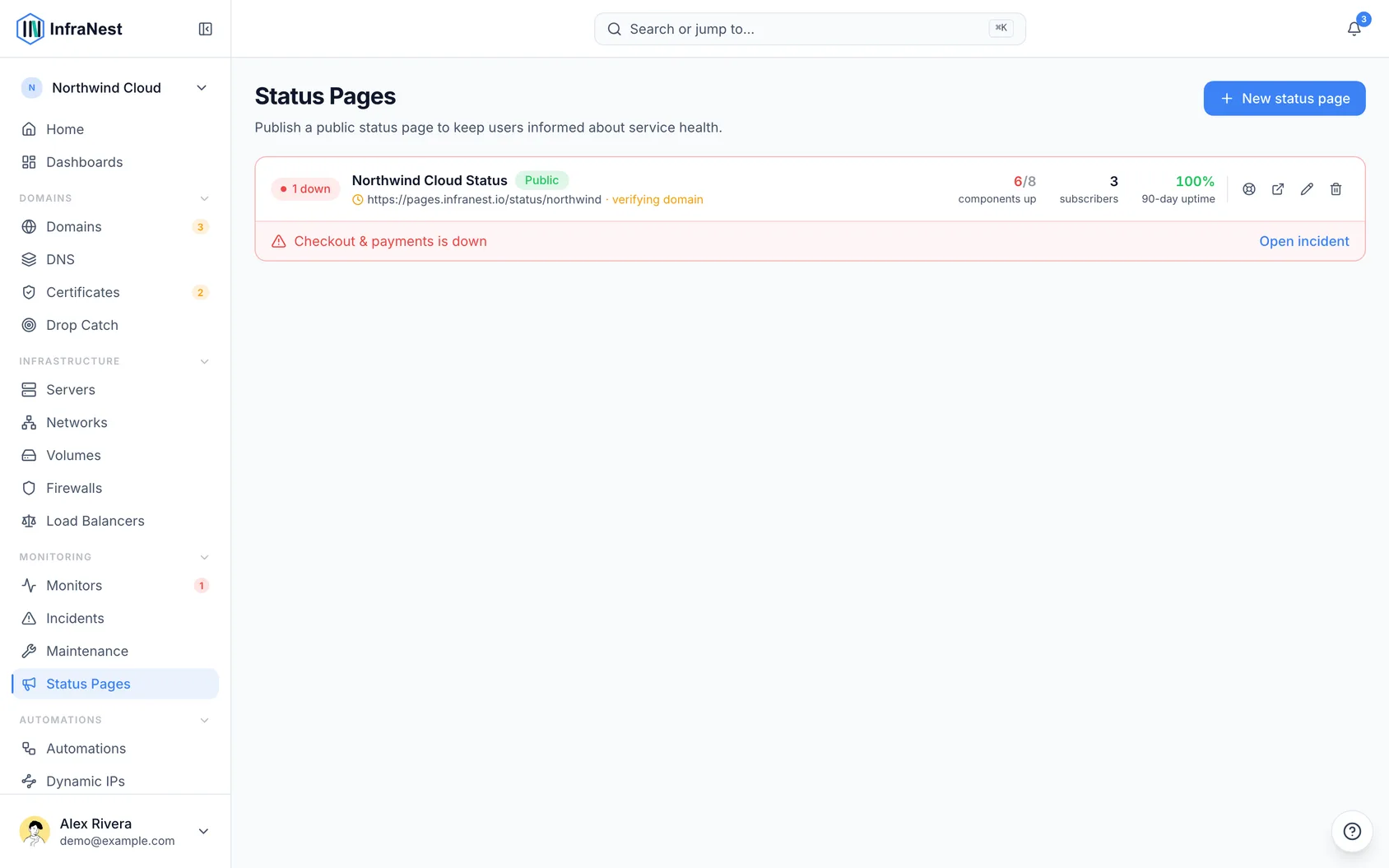
A status page is a branded public page that shows your customers whether your services are up, down or running slow — this article is for anyone who wants to understand what status pages are and what they can do before setting one up.
Overview
- Turns your monitoring into a public page on your own domain, with automatic HTTPS.
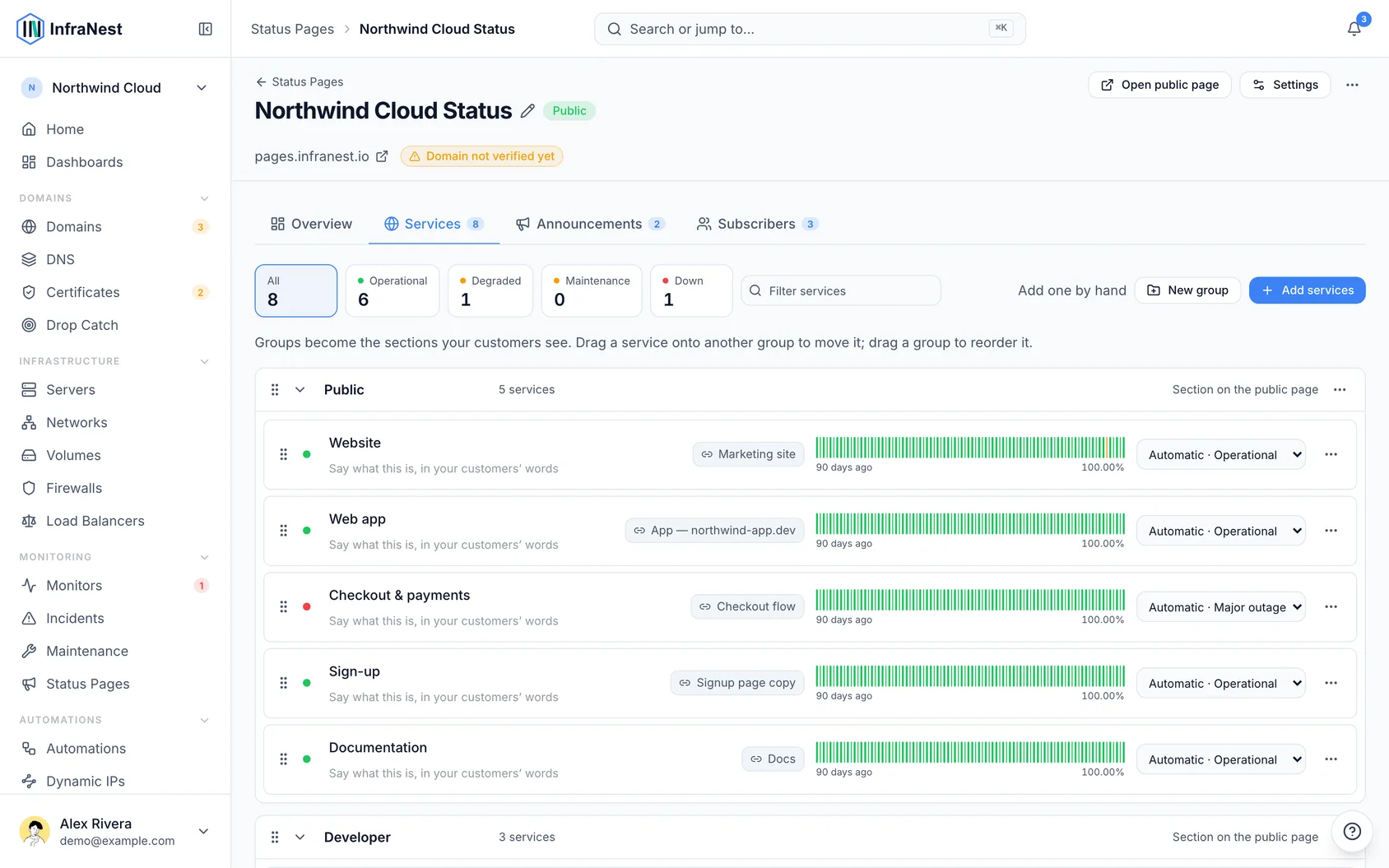
- Shows what's operational, what's degraded, uptime history, incident history, and any planned maintenance.
- Updates itself from your monitoring and can email subscribers automatically when something happens.
- Acts as a single source of truth during an incident, so support requests don't pile up.
What it can show
Each of these is a toggle you control:
- Overall status banner (operational, degraded or outage).
- Uptime percentage for each service.
- Incident history with timelines.
- Announcements you post.
- Planned maintenance (shown as planned, not counted as downtime).
- Third-party services you depend on, shown alongside your own.
Share a link to a single incident
- Every incident on your status page automatically gets its own address, something like
status.yourcompany.com/incidents/482. - Paste that link into a support ticket, chat message or email.
- Whoever opens it lands directly on that incident — what it affects, when it started, how long it has run, and every update you've posted, in order.
- At the bottom, it shows how the problem was found — usually your monitoring, and from how many regions.
- The link keeps working after the incident is resolved, so a ticket you sent it in stays useful long after your page has moved on.
NoteYou don't need to turn this on — every incident gets a link automatically. It appears on the incident itself, on every row of your incident history, and in the emails your subscribers receive. If your page is Password protected, the incident link asks for the same password before showing anything, including the title.
Check who is reading your page
- Open your status page in InfraNest.
- Go to the Overview tab.
- Review how many times the page was opened over the last 7, 30 or 90 days, and how that compares to the period before.
- Check how many separate people that was, how many clicked Subscribe, and which day was busiest — usually the day something broke.
TipVisitor counts are approximate on purpose — we don't use cookies or identifiers, so the number is kept intentionally soft rather than tracking your customers precisely. Views are exact; the "people" figure is an estimate. Robots, crawlers and uptime checkers are excluded, so the number reflects real people.
Tips
- Numbers only start from the day the status page was set up — a page you created last year won't show history from before that; it's not that nobody was reading it.
Was this article helpful?