

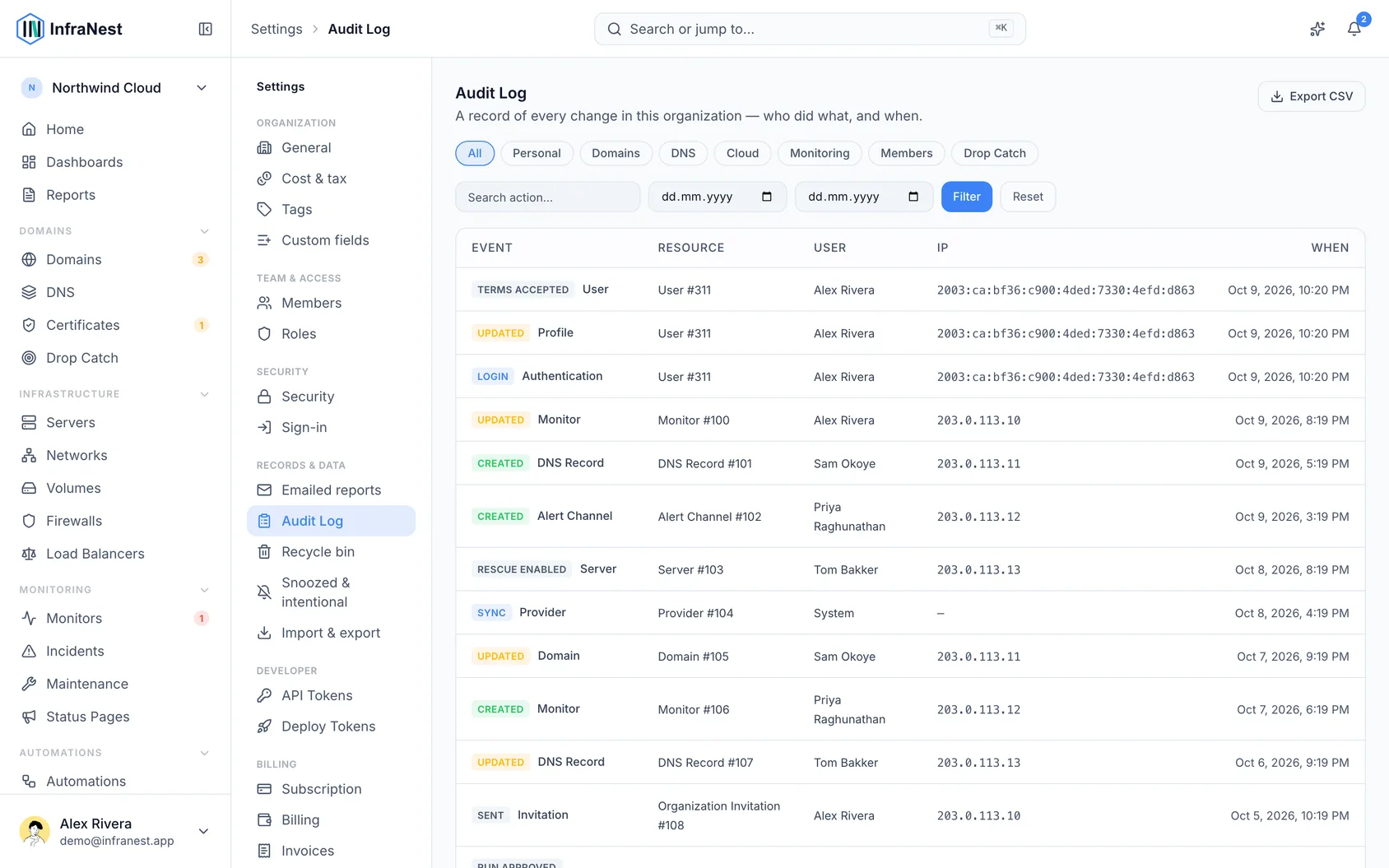
The audit log keeps a record of every important change in your organisation, so you can always check who did what and when. It's useful for anyone who needs to keep track of their team's activity or troubleshoot an unexpected change.
Overview
- Every time something is created, changed or deleted, InfraNest logs it automatically.
- Each entry records the action, what it affected, who did it, and the time — along with the IP address and device used.
- Actions taken automatically by InfraNest (background jobs) and by deploy tokens are also recorded.
- Changes made using an API Token are labelled via token, showing the token's name next to the person it belongs to. This name stays in the log even if the token is later revoked.
View the audit log
- Open Settings.
- Select Audit Log.
- Browse the full history of actions taken in your organisation.
Check what an API token has done
- Go to My account.
- Select Developer.
- Find the token you want to check, open its menu, and choose View activity.
- The Audit Log opens automatically, filtered to show only that token's actions.
NoteEven after an API Token is deleted, its name is kept in the audit log so you can still see what it did in the past.
Was this article helpful?