

This article is for anyone using InfraNest who wants to manage their own profile, sign-in options, and personal preferences — separate from their organisation's settings.
Overview
- My account controls settings for you personally, not your whole organisation.
- Open it from the menu under your name.
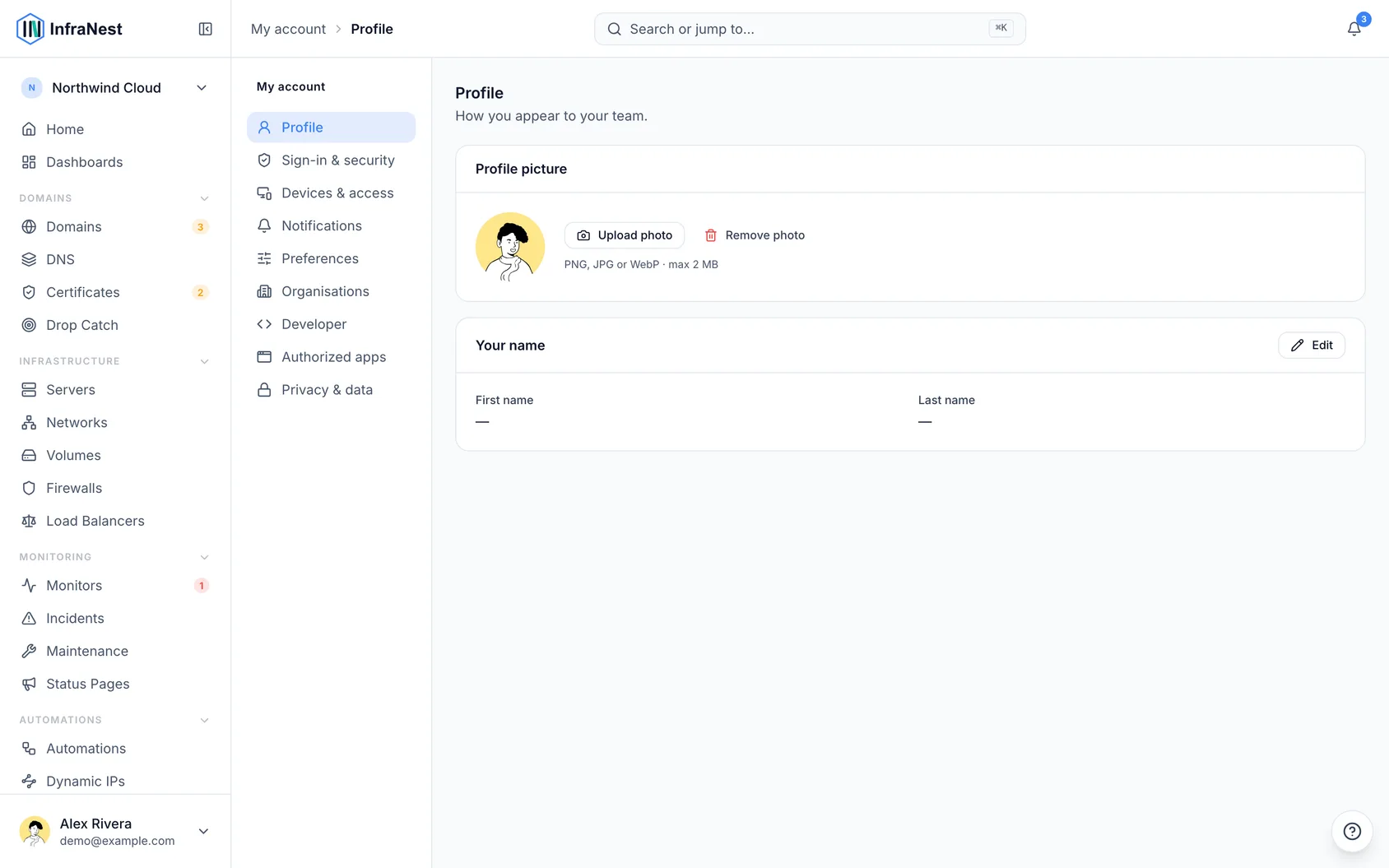
- A side menu splits it into Profile, Sign-in & security, Devices & access, Notifications, Preferences, Organisations, Developer, and Privacy & data.
TipLooking for one setting? Press ⌘K (Ctrl+K on Windows) and type what you're after — passkey, 2fa, dark mode, invite. It takes you straight to it.
Settings your organisation decides
Some settings aren't up to you — for example, your organisation might require everyone to sign in through its single sign-on, use a second step, or have alerts paused for everyone. These show Set by your organisation with a one-line reason, so you know it isn't broken and who to ask. If you're allowed to change the policy yourself, there's a Change it link that takes you straight to it.
Update your name and picture
- Go to My account → Profile.
- Set your name and picture.
Change your email address
- Go to My account → Sign-in & security.
- Choose Change email.
- Confirm it's you.
- Open the link we send to the new address.
Your old address keeps working until you confirm the new one.
Sign in to InfraNest
- From the sign-in page, enter your email and password, use a passkey, or use a linked login (Google, GitHub, or your company's single sign-on).
- If two-factor authentication is turned on, enter the code you're asked for after your password.
NoteKeep at least two ways in. The Security checkup at the top of Sign-in & security tells you if you only have one, so losing it can't lock you out.
Forgot your password? Request a reset link from the sign-in page, then set a new one.
Change your password
- Go to My account → Sign-in & security.
- Choose to change your password. You may be asked to confirm your current password first.
Once you have two passkeys, or a passkey and an authenticator app, you can also go passwordless from the same page.
Manage active sessions
- Go to My account → Devices & access → Your devices.
- Review every browser and app signed in to your account — device, place, and when it was last active.
- Sign out any you don't recognise.
A browser that is also trusted (see below) shows it on the same row, and signing it out stops trusting it too.
Manage trusted browsers
If your organisation asks for an emailed code when you sign in from a new browser, a browser that entered the code is trusted and skips the code next time. The same applies to a browser where you ticked Don't ask again on this browser at the two-step code, if your organisation allows it. Trusted browsers appear under My account → Devices & access → Your devices, marked Trusted until with a date.
- Find the trusted browser in the list.
- Choose Forget if it isn't signed in, or Sign out if it is — useful for a borrowed or lost computer. It will be asked for the code again next time.
- On the row marked This device, choose Stop trusting this browser if you're using a shared or borrowed computer. You stay signed in, but you're asked for the code again next time you sign in there.
Sign out everywhere else also forgets your other trusted browsers, so a stranger can't sign straight back in.
Review apps with access to your account
- Go to My account → Devices & access → Apps with access to your account.
- Review everything that acts as you or gets your alerts without signing in — API tokens, phones and browsers that get push alerts, calendars InfraNest writes into, and calendar links someone has subscribed to. Each shows when it was last used, and anything unused for 90 days is flagged.
- Choose Revoke to end one. It stops working straight away.
This is a good place to start if you've lost a laptop or phone.
Check recent security activity
- Go to My account → Devices & access → Recent security activity.
- Review the last 30 days of sign-ins and changes to how you sign in — a new passkey, a changed password, a wrong password entered — along with the device and place each came from.
- If you don't recognise something, choose Wasn't you? next to it. It walks you through securing your account: sign out everywhere else, change your password, and check your passkeys and linked logins.
Set your language, appearance, and time preferences
- Go to My account → Preferences.
- Set your theme (light or dark) and language (English, Dutch, German or French).
- Set your Timezone — every date and time in InfraNest, including emails, is shown in this zone. It's set from your browser when you sign up, so it's usually already right; change it if you work from a different country to the one your laptop is set to.
- Set your Clock format — 24-hour, 12-hour (am/pm), or whatever your language normally uses.
Manage your organisations
- Go to My account → Organisations to see every organisation you belong to and your role in each.
- Set Open at sign-in if you belong to more than one, to choose which organisation InfraNest opens when you sign in on a new device or after signing out.
- To leave one, open its ⋯ menu and choose Leave. You lose access straight away, but nothing in it is deleted, and someone who manages its members can invite you back.
WarningThe only owner of an organisation can't leave it. Make someone else an owner first (in that organisation's Settings → Members), or delete the organisation.
Delete your account
- Go to My account → Privacy & data.
- If you're the only owner of an organisation, hand it to someone else or delete it first — we'll tell you which ones.
Was this article helpful?