

Export your InfraNest data for safekeeping, or import contacts and SSL certificates from a spreadsheet — useful if you're moving data in or out of InfraNest.
Overview
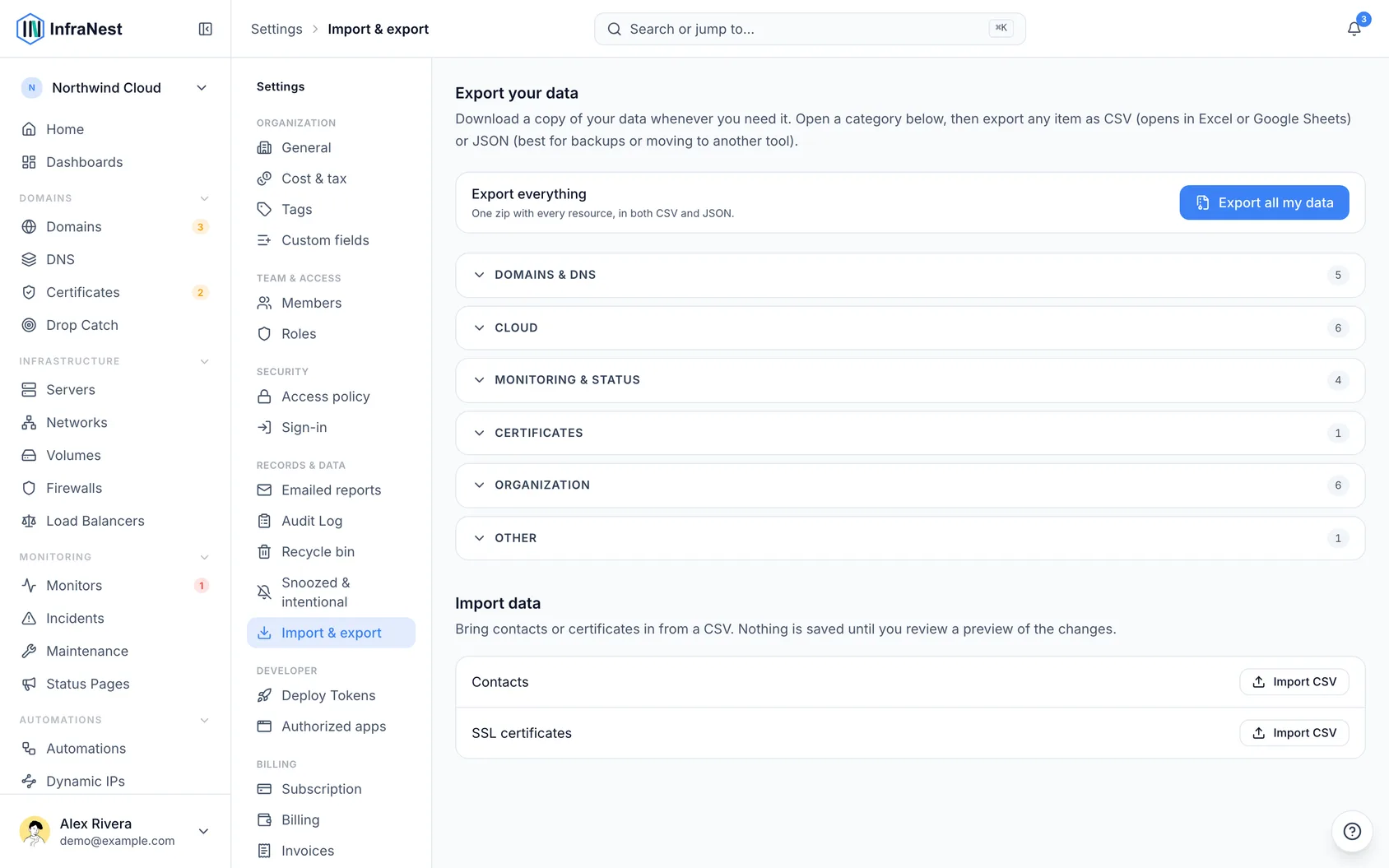
- Export almost any resource — domains, contacts, DNS zones and records, servers, firewalls, monitors, incidents, status pages and more.
- Download everything at once as a single bundle, or export one resource at a time.
- Import contacts and SSL certificates from a CSV file, with a preview before anything is confirmed.
Export your data
- Go to Settings, then open Data export & import.
- Find the resource you want to export (such as domains, contacts, servers or monitors).
- Choose CSV if you want a format that works everywhere, or JSON for a more detailed format.
- Select Export to download that resource.
To get everything at once:
- Go to Settings, then open Data export & import.
- Select Export all my data.
- Wait for your export to be prepared, then download the ZIP file.
Import contacts or certificates
- Go to Settings, then open Data export & import.
- Select Import CSV.
- Upload your CSV file (up to 5 MB).
- InfraNest checks your file and shows a validated preview, with a status for each row.
- Review the preview, then select Import {n} rows to confirm.
NoteOnly contacts and SSL certificates can be imported this way. Domains and servers can't be imported from a file — they always come in through a connected provider instead. Importing never clears out columns you didn't include in your file.
Tips
TipNot sure what your CSV should look like? Select Download template before you start, so your columns match what InfraNest expects.
Was this article helpful?