

Webhooks let InfraNest send real-time updates about your infrastructure straight to your own systems, so your tools can react automatically instead of you checking manually.
Overview
- Webhooks notify an endpoint you control whenever something happens in InfraNest — like a domain expiring or a monitor alert.
- Each delivery is signed so you can confirm it really came from InfraNest.
- Failed deliveries are logged and retried automatically.
Add a webhook
- Go to Webhooks and add an endpoint.
- Enter the URL to send events to, a description, and choose which events it should receive.
- Save. InfraNest generates a secret you'll use to verify the requests.
Choose which events to receive
You can subscribe a webhook to events such as:
- A domain expiring
- A domain or server status change
- A monitor alert
- DNS records changing
- The drop-catch lifecycle (dropping soon, available, registered, failed)
Verify deliveries
- Each webhook is sent as a POST request, signed with your secret using an HMAC in the
X-InfraNest-Signature-V2header, and timestamped withX-InfraNest-Timestamp. - Use these headers on your end to confirm the request genuinely came from InfraNest.
- Test deliveries and real events are signed the same way, so you can safely test your setup before relying on it.
WarningThe older
X-InfraNest-Signatureheader will stop being sent after 30 April 2027. Switch your receiver to useX-InfraNest-Signature-V2before then.
NoteIf a delivery fails, InfraNest logs it and retries automatically — you don't need to resend it yourself.
Other incoming connections
InfraNest also accepts a few incoming connections that your own tools call, each secured with its own token. Examples include:
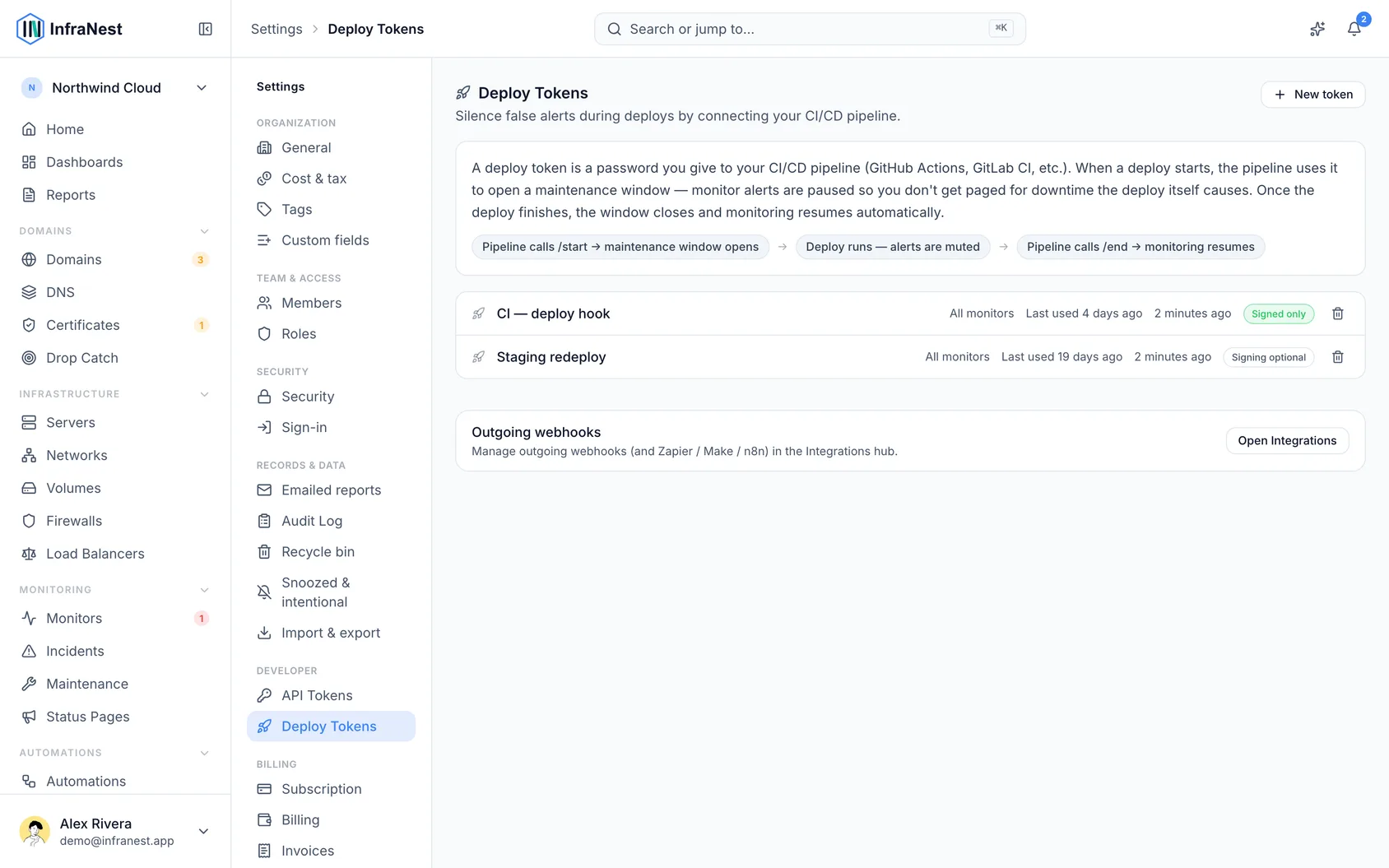
- Deploy hooks — trigger a deploy from your CI system.
- Dynamic-IP updates — sent from your router (see Set up Dynamic IP).
Was this article helpful?
Related articles
Use InfraNest from an AI assistantAsk an AI assistant such as Claude, Cursor or VS Code about your infrastructure, and it looks the answer up in InfraNest for you.API tokensInfraNest has a full REST API, so you can automate anything you can do in the app. You access it with an API token.Connect an app with "Connect with InfraNest"Let an app such as Claude or Power Automate use InfraNest for you, without creating or copying an API token, and remove it again whenever you like.Connect Claude or ChatGPT to InfraNestAdd InfraNest to Claude or ChatGPT in a minute, then ask it about your servers, monitors, domains and DNS. No token to create or copy.