

Give the alerts, domain notices and status-page updates we send on your behalf a look that matches your company, instead of ours.
Overview
- Set your logo, accent colour and sender name once, and they apply to everything we write on your behalf.
- A live preview shows exactly how an alert email will look before you save anything.
- Some pieces — the sending address and all security or account emails — always stay in InfraNest's name, by design.
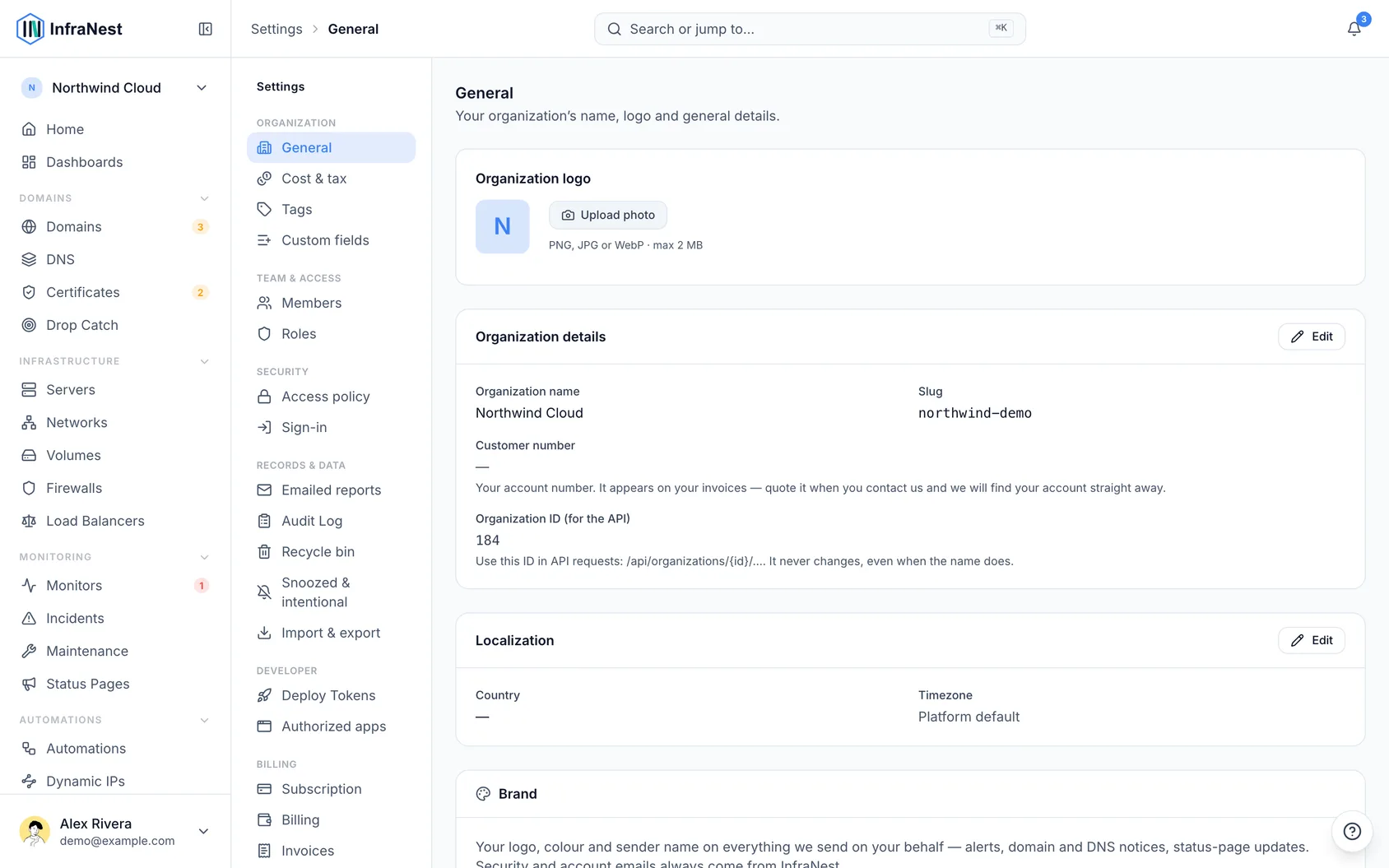
Add your brand to outgoing emails
- Go to Settings, then Organization, then open the Brand tab.
- Click Upload logo and choose a file (PNG, JPG, WebP or SVG, up to 2 MB). A wide logo works better than a square icon, since it sits inside a header bar.
- Enter your Accent colour as six hex characters, for example
#7C3AED. The swatch next to the field updates to show what you typed. - If your plan includes it, enter a Sender name — usually your company name. Leave it empty to keep InfraNest's.
- Check the preview on the same screen to see how an alert email will look.
- Click Save to apply your changes.
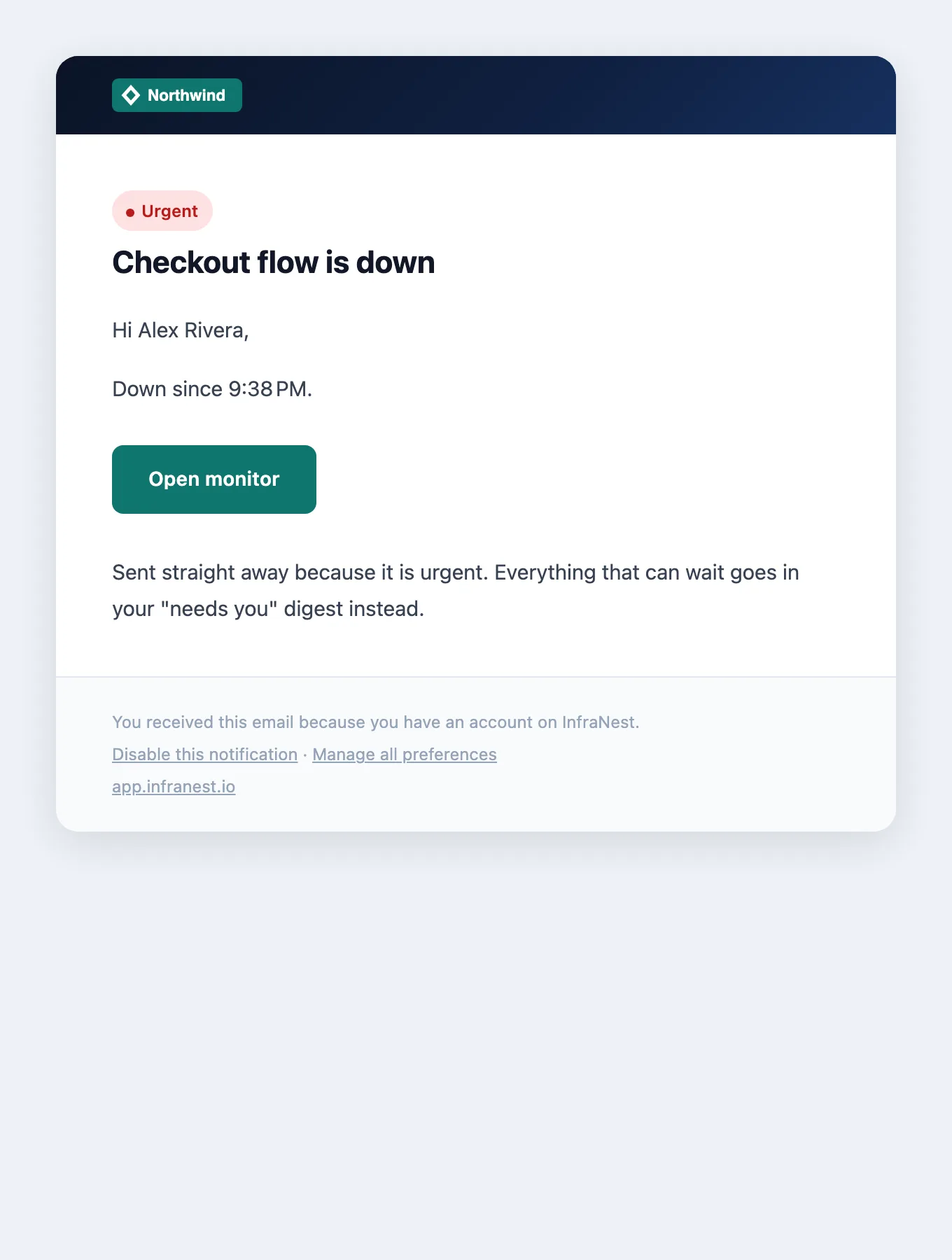
Once saved, this is what the people you look after receive:
Remove your logo
- Go to Settings, then Organization, then the Brand tab.
- Click Remove next to your logo.
NoteThis always works, even if your plan no longer includes branding.
What stays ours
Two things are deliberately left alone:
- The sending address. Only the name beside it is yours — for example, recipients see "Acme" as the sender, with our address behind it. If we let you switch the address to your own domain, mail servers would treat it as unverified and start sending it to spam.
- Security and account emails. Password resets, sign-in codes, email-address changes, security alerts and invoices always come from InfraNest, in InfraNest's colours, no matter how your brand is set. This keeps the emails that protect your account easy to recognise, and hard to fake.
Which plan includes what
- Business — your logo and accent colour appear on the emails we send for you. The footer still reads "Powered by InfraNest", and the sender name stays InfraNest's.
- Enterprise — everything in Business, plus your own sender name, and the "Powered by InfraNest" line is removed. Status pages can be fully white-labelled too.
On other plans, the fields are visible but locked — marked Not included in your plan — so you can see what upgrading unlocks.
Tips
- Status pages have their own logo. A page that has uploaded one keeps it; otherwise it falls back to your organisation's logo, then ours. This lets one organisation run several differently branded pages for different clients.
- If you work through a partner, their branding is used wherever you haven't set your own.
NoteChanges apply only to emails sent from now on — anything already sent keeps its original look. Your saved branding also isn't deleted if you downgrade; it's just hidden until you upgrade again.
Was this article helpful?
Related articles
Manage your organizationEverything in InfraNest — domains, servers, members, billing — belongs to an organisation. You can belong to more than one and switch between them.Invite your teamInvite teammates to your organisation and give each the right level of access.The monthly recap emailOnce a month InfraNest emails your workspace a short summary of what it did for you — and it sends whether the month was busy or quiet.Check who has access, and who actually signs inTwo reports answer the access questions an audit, an offboarding or a quiet Friday afternoon will ask.