

Custom fields let you add your own information — a client name, a cost centre, a contract end date — to servers, domains, certificates and other records in InfraNest. They're useful for anyone who needs to track details that InfraNest doesn't capture out of the box.
Overview
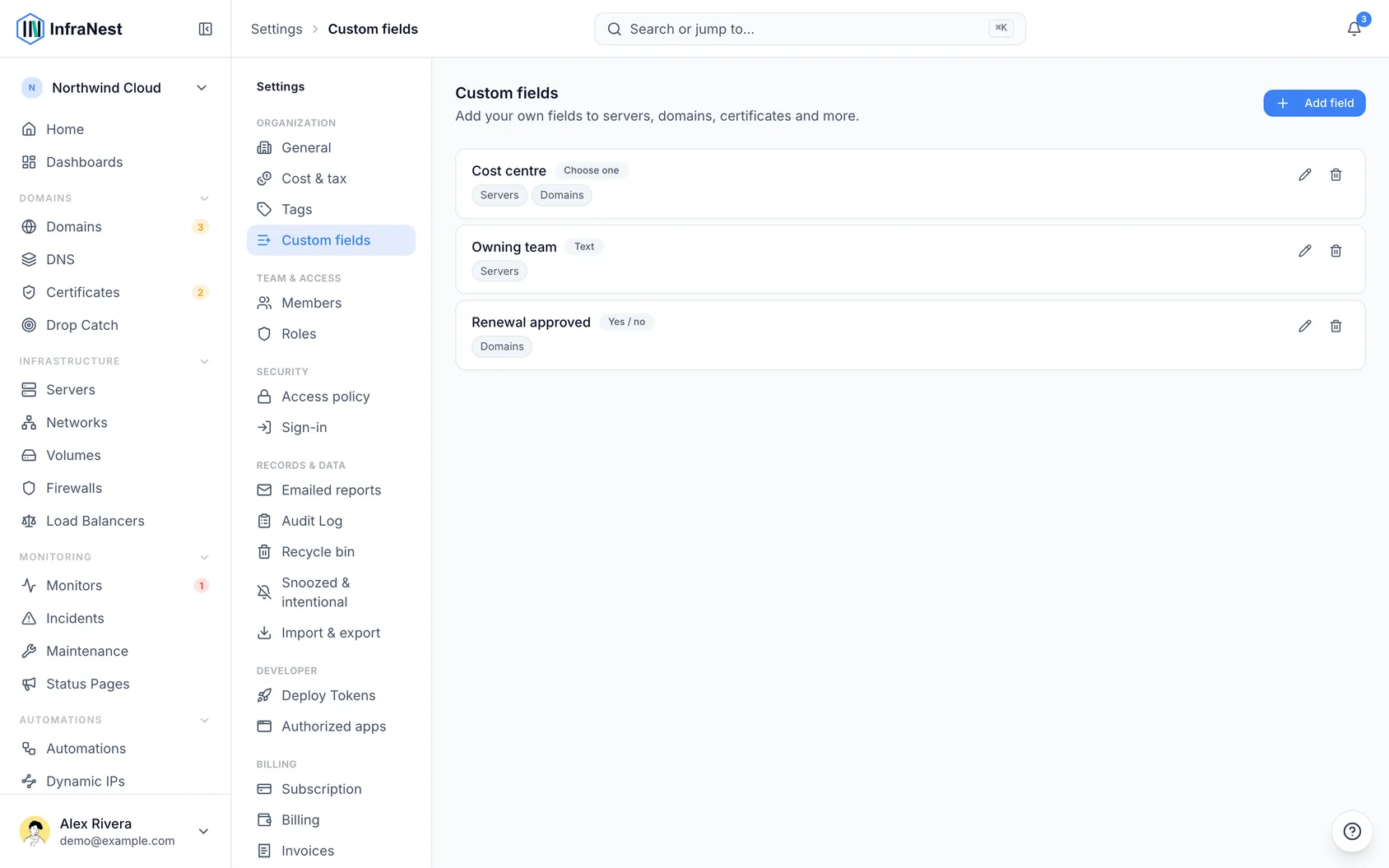
- A custom field is yours to define — examples include Client, Cost centre, Contract end or Environment.
- You choose which types of records each field applies to, and whether it's a text, number, yes/no, date, link, choice, multiple choice or currency field.
- A field shared across modules can group records together in reports — for example, a Client field on both servers and domains lets you see total spend per client.
Create a field
- Go to Settings, then select Custom fields.
- Select Add field.
- Give it a Label — for example Client, Cost centre, Contract end.
- Choose a Type: text, number, yes/no, date, link, choice, multiple choice or currency.
- For a choice field, list the Options, one per line.
- Under Applies to, pick the modules the field should show on.
- Choose whether to show it as a column in list views.
- Select Save.
Fill one in
- Open any record the field applies to — a server, domain, DNS zone or certificate.
- Find the Custom fields panel on that record.
- Enter a value. It saves as you go.
If you ticked show as a column, the field also appears as an optional column on that module's list page, where you can sort and filter by it.
Change or remove a field
- Go to Settings, then select Custom fields.
- Select Edit on the field you want to change.
- Update the Label, Type, Options or Applies to as needed.
- Select Save changes, or select Delete to remove the field entirely.
WarningDeleting a field removes its values from every record too, and that can't be undone. If you only want it out of the way, un-tick the modules it applies to instead.
Tips
- Custom fields are per organization — each organization defines its own.
- Values are included when you export data, so they travel with the rest of your inventory.
NoteCustom fields are part of a paid plan. If you don't see the option, check your plan.
Was this article helpful?