

Connect your AWS account so InfraNest can manage your Route 53 DNS, Route 53 domains, and ACM certificates in one place — built for anyone administering AWS-hosted infrastructure.
Overview
- Bring your AWS-hosted DNS zones, domains, and certificates into InfraNest for centralized management.
- Choose exactly which features — DNS, Domains, and/or Certificates — you want InfraNest to use.
- Connect using either an IAM role (recommended) or access keys.
Before you start
InfraNest needs access to your AWS account through either an IAM role (recommended) or access keys. See Set up AWS access for the setup steps, then come back with your role ARN or your access keys.
Connect AWS
- Go to Integrations and open AWS.
- Give the connection an Account label (Optional). If you leave it blank, it uses the provider's name — a second connection to the same provider becomes "… (1)" so you can tell them apart.
- Choose which features to use it for: DNS (Route 53), Domains (Route 53), and Certificates (ACM).
- Enter your role ARN (Option A), or your Access key ID and Secret access key (Option B).
- Pick the regions you use. Certificates in ACM live in a specific region; Route 53 is global.
- Select Connect.
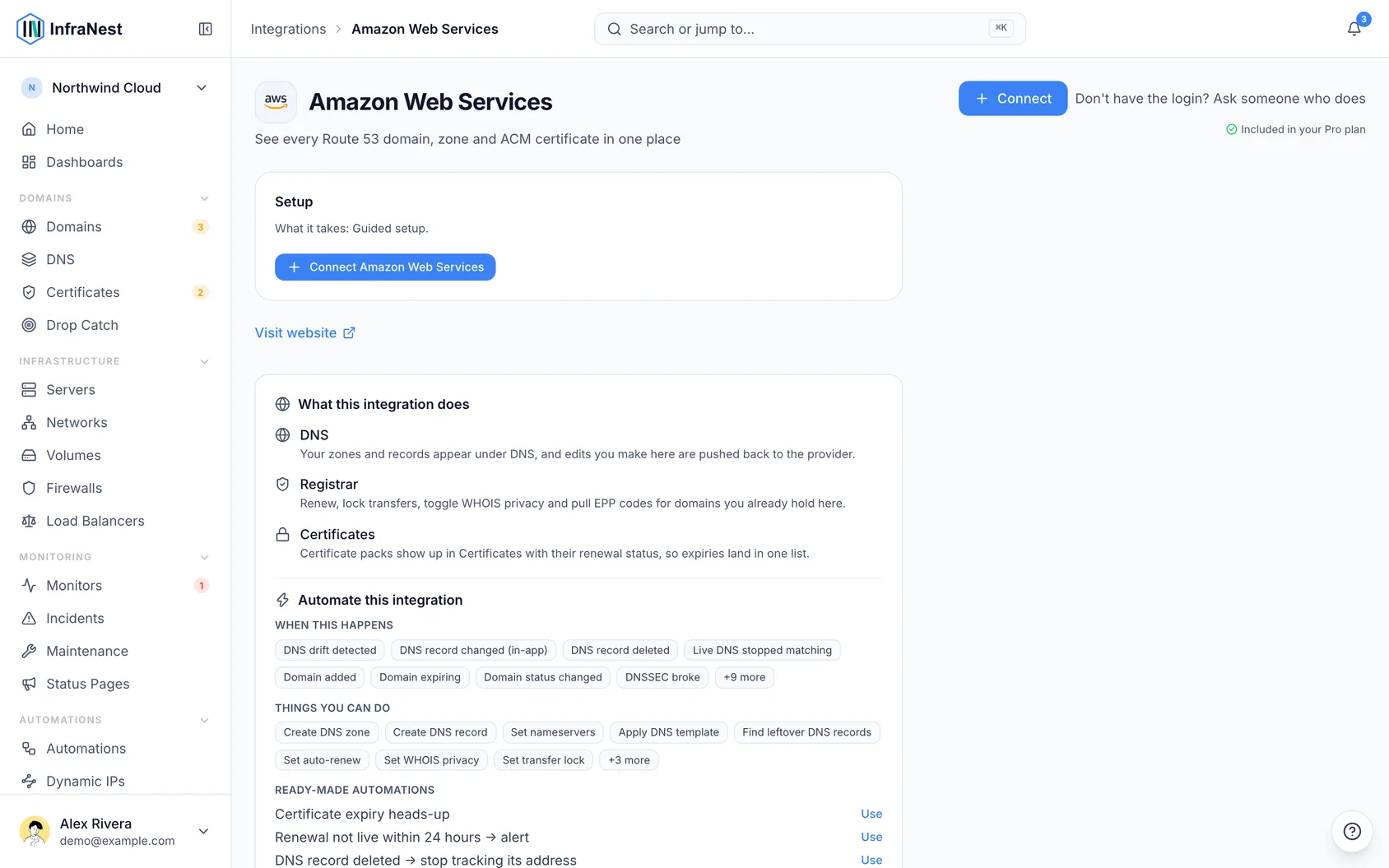
What you get once it's connected
- DNS (Route 53) — view and edit your hosted zones and records, and create or delete zones.
- Domains (Route 53) — register, transfer in, renew, and manage nameservers, contacts, DNSSEC, locks, WHOIS privacy, and auto-renew.
- SSL certificates (ACM) — your ACM certificates appear in your certificate list.
NoteCloud servers (EC2) aren't supported yet. This connection currently covers DNS, domains, and certificates only.
Tips
- Some country-specific domain endings need extra details to manage. InfraNest supports a curated set and will show a clear message for endings it doesn't yet support.
Troubleshooting
- "Access denied" errors — the role or user needs read access to Route 53, Route 53 Domains, and ACM. Check the permissions, and if you're using a role, make sure the External ID matches.
- A certificate is missing — make sure the region it lives in is selected in the connection.
WarningRemoving this connection later will stop InfraNest from managing these DNS zones, domains, and certificates, so double-check before disconnecting.
Was this article helpful?