

Connect Make to InfraNest so a monitor going down, a domain nearing expiry or a certificate about to lapse can kick off a Make scenario — and so a scenario can open a maintenance window, pause a monitor or resolve an incident right back in InfraNest. This is for anyone setting up automations between the two tools, no technical background required.
Overview
- Works in both directions: InfraNest can send events to Make, and Make can trigger actions in InfraNest.
- Both directions use a web address (URL) you copy between the two tools — there's nothing to install.
- You can set up more than one connection, for example one for incidents and another for domains.
Before you start
- In Make, add a Custom webhook module to a scenario.
- Select Add to create the hook, then copy the address it shows — it looks like
https://hook.eu2.make.com/abcdef123456.
NoteMake's editor lives on a region-specific address, so your URL may not match the example exactly.
Send InfraNest events to Make
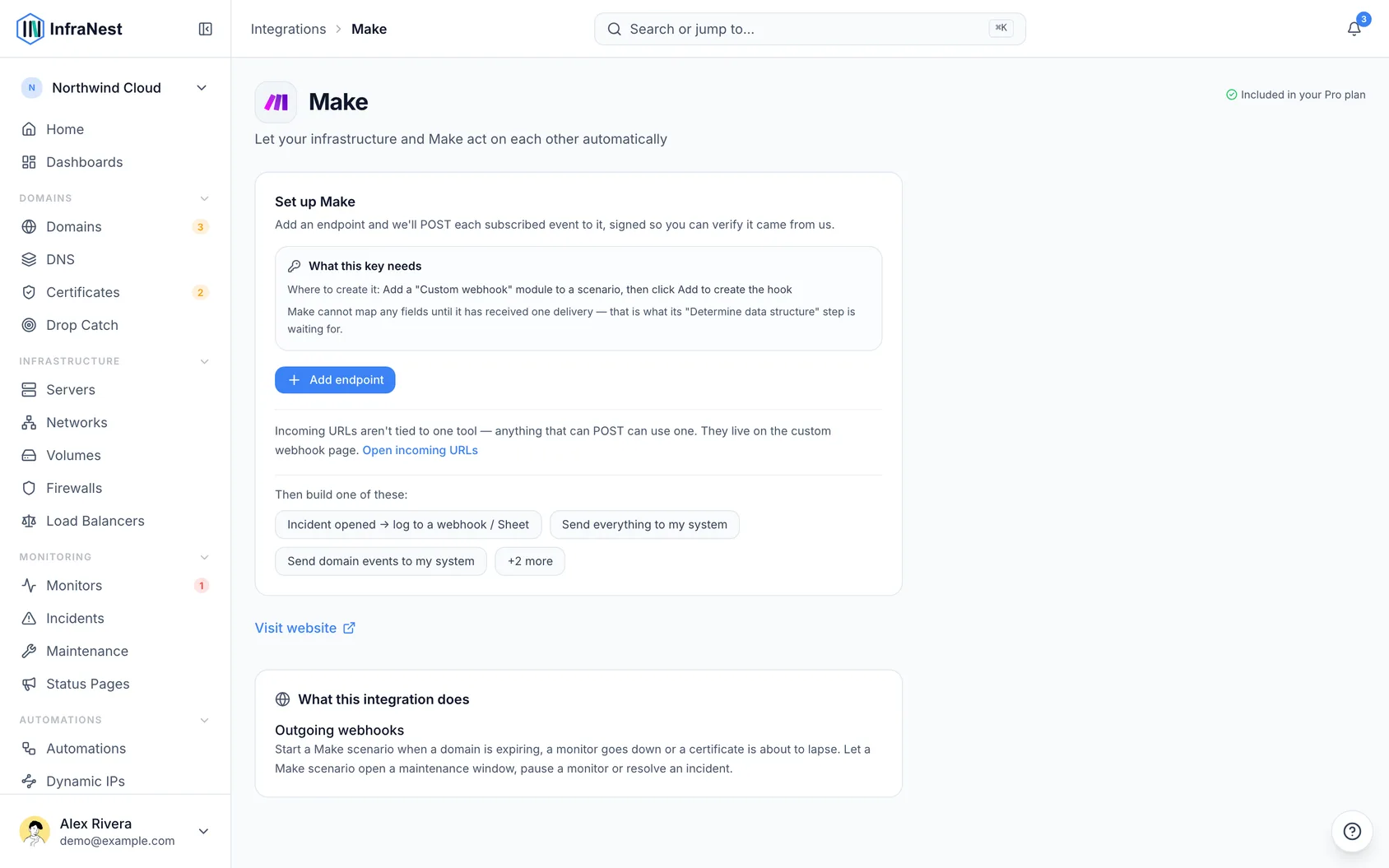
- Go to Integrations → Make.
- Select Add endpoint and paste the webhook address. Leave Send every event here ticked, so every event is sent from the start.
- Copy the signing secret shown once after saving, if you want to verify that deliveries really came from us.
- Select Send test event and pick the event it should imitate. Make's Determine data structure step is waiting for exactly this — until one delivery arrives, no fields are available to map.
- Choose what gets sent: the endpoint page lists the automation it started under Send everything to …. Open it to narrow it to the events you care about — or, if you unticked the box, pick a starting point under Start an automation that posts to Make or build your own rule.
Let Make trigger InfraNest
- Go to Integrations → Custom webhook → URLs we give you and select Add incoming URL.
- Give it a name you'll recognise later — you pick it by name when writing the rule.
- Optionally set a shared secret, so a leaked URL on its own isn't enough to trigger anything.
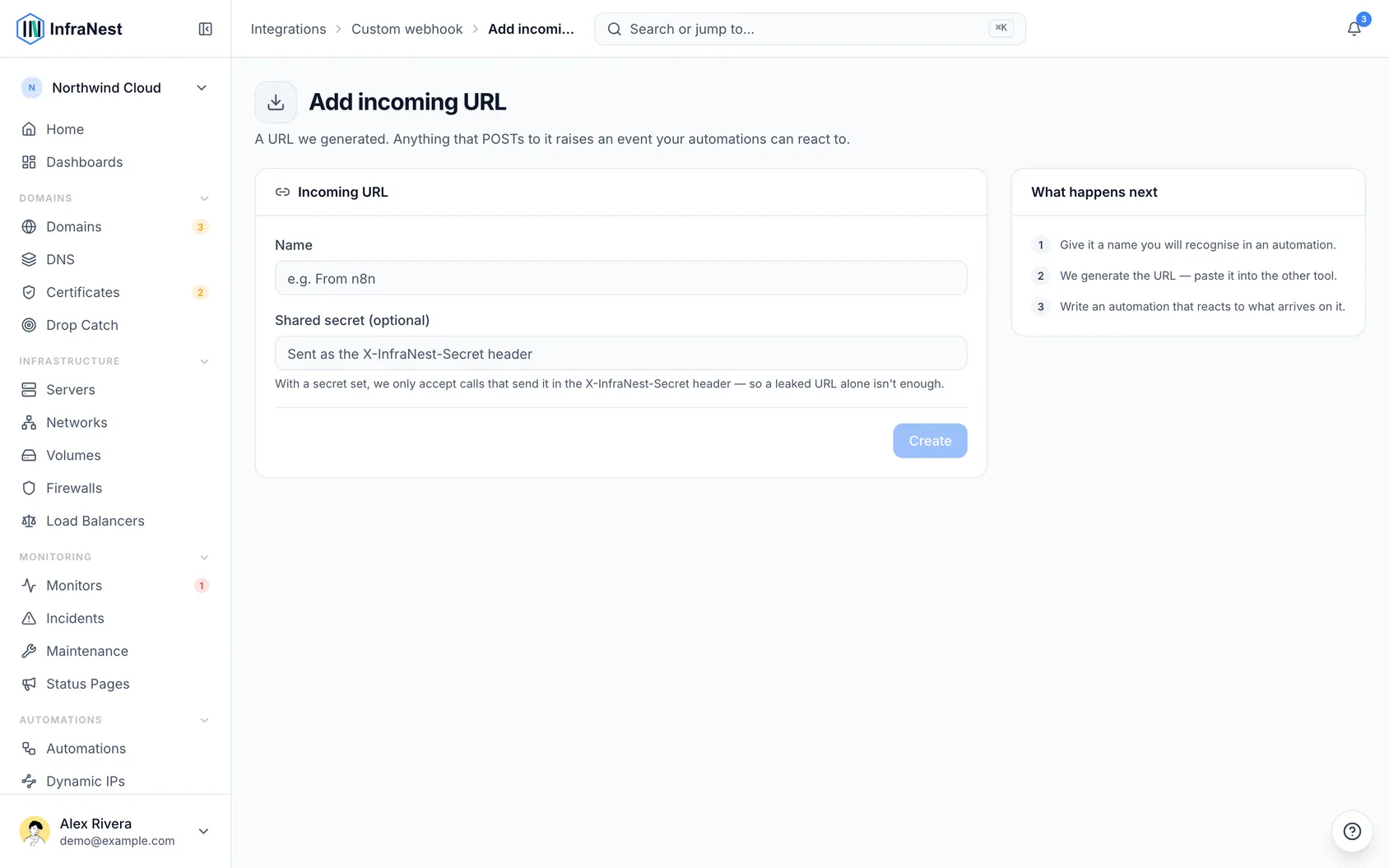
- Copy Your URL into an HTTP module in your scenario, set to POST.
- Back in InfraNest, use Start an automation Make can trigger and add what should happen — open a maintenance window, pause a monitor, resolve an incident.
Tips
WarningYour incoming URL works like a password. Anyone holding it can trigger your organization's automations, so set a shared secret and regenerate the URL if it leaks.
- The signing secret is shown once and never again. You can rotate it later; the old one stops working immediately.
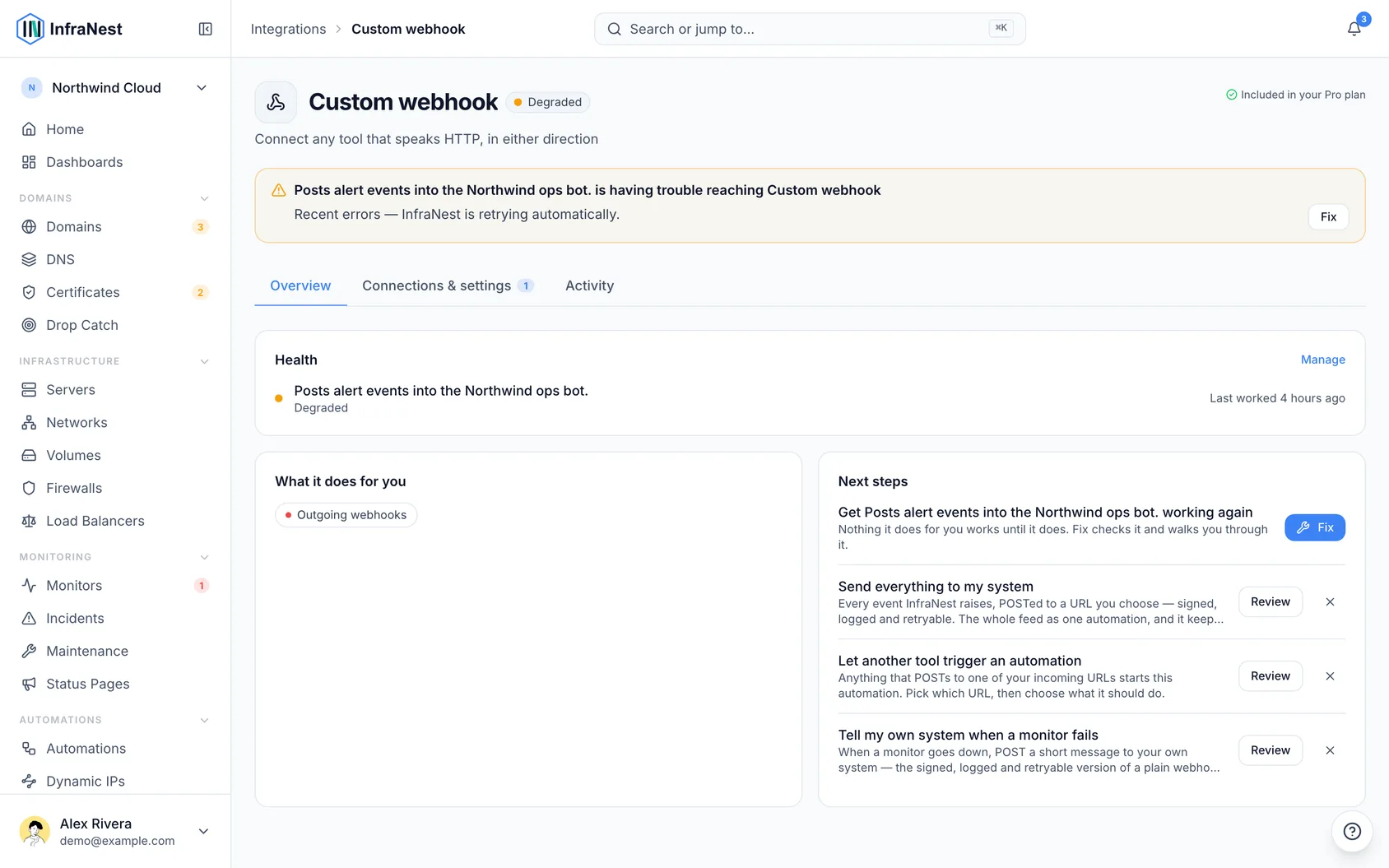
- Both directions keep a delivery log under the integration page's Activity tab, so you can see what went out and what arrived.
- You can add more than one endpoint — for example one scenario for incidents and another for domains.
Troubleshooting
Determine data structure never finishes. It's waiting for a real delivery. Select Send test event in InfraNest while the module is listening.
Nothing arrives in Make. If you unticked Send every event here, check that an automation posts to the endpoint — the endpoint alone is only a destination. The delivery log on the Make page shows whether we sent anything at all.
Your scenario doesn't trigger InfraNest. Confirm the HTTP module posts to the exact incoming URL, and that the shared secret — if you set one — is sent as the X-InfraNest-Secret header.
Was this article helpful?