

Connect your GoDaddy account to InfraNest so you can manage its domains and DNS records in one place. This is for anyone who registers or manages domains through GoDaddy.
Overview
- Connecting GoDaddy lets InfraNest manage your DNS records and Domains directly.
- You'll need a GoDaddy personal access token to set up the connection.
- Once connected, you can register, renew, transfer, and manage domain settings without leaving InfraNest.
Before you start
You'll need a GoDaddy personal access token. See Create a GoDaddy access token for the steps — and for GoDaddy's API access limits, which can affect some features.
Connect GoDaddy
- Go to Integrations and open GoDaddy.
- Give the connection an Account label (Optional). Leave it blank and it takes the provider's name — a second connection to the same provider becomes "… (1)", so they stay tellable apart.
- Choose which features to use it for: DNS and Domains.
- Paste your Personal Access Token.
- Leave Email me when this integration has problems ticked if you'd like email warnings.
- Select Connect.
NoteOlder connections used a GoDaddy API key and secret instead of a token. GoDaddy stops accepting those at the end of 2026 — if yours still uses one, it keeps working and shows a reminder on its page. Paste a personal access token into the connection to switch over.
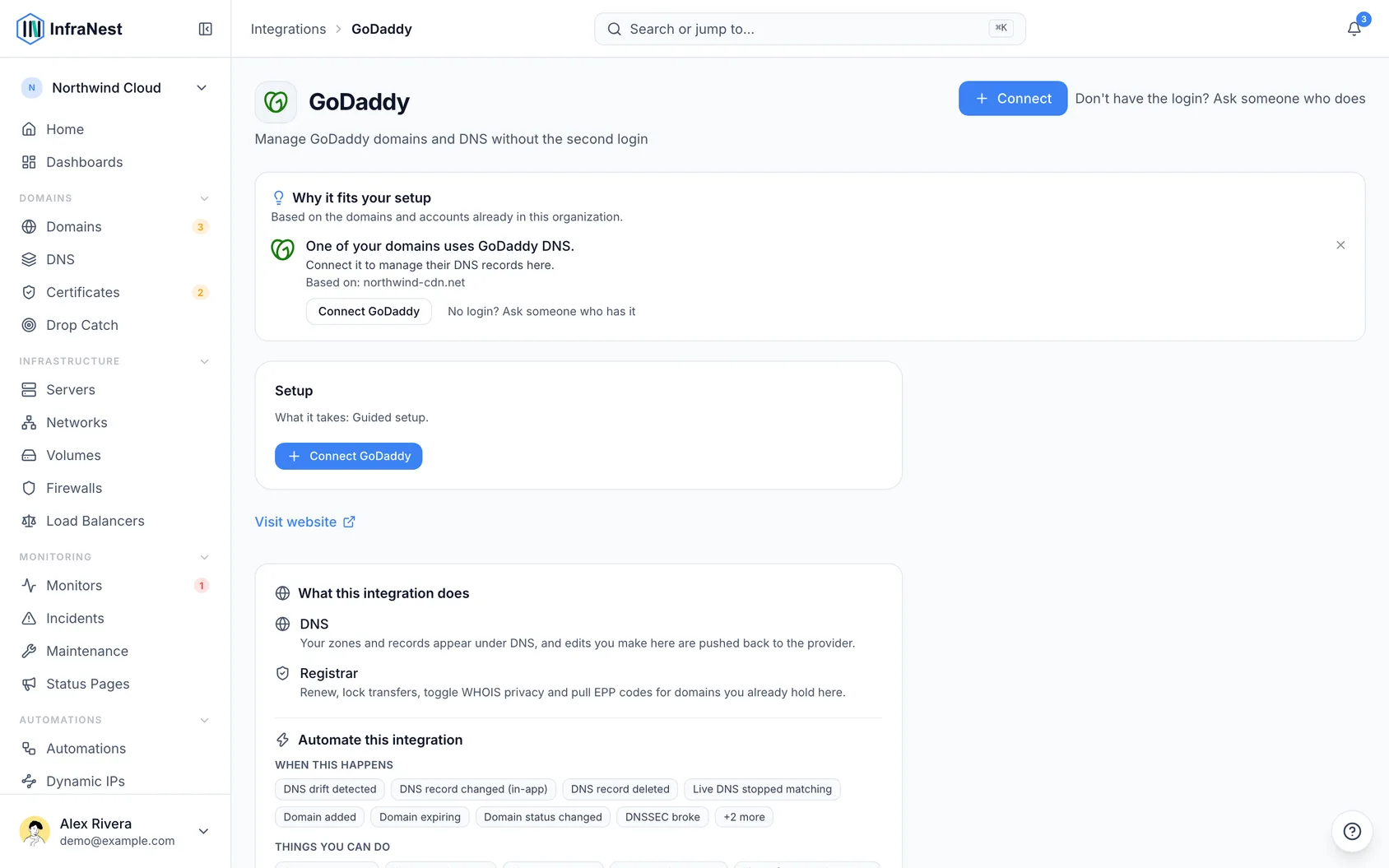
What you get once it's connected
- DNS — view and edit records for your GoDaddy domains.
- Domains — register, transfer in, renew, manage nameservers and contacts, lock transfers, and turn WHOIS privacy and auto-renew on or off. GoDaddy tells InfraNest exactly which extra details each domain ending needs, so the forms are always accurate.
Good to know
- DNS is available for domains registered at GoDaddy.
- There's no certificates feature for GoDaddy, and no DNSSEC through this connection.
Pay for domains
- Make sure your GoDaddy account has a payment method on file, or a funded Good as Gold balance.
- Register, renew, or transfer in the domain from InfraNest as normal.
- If no payment method or balance is available, the purchase is refused before anything is registered, and InfraNest tells you so.
WarningIf your GoDaddy billing address is in the EU or the UK, card payments cannot be completed through GoDaddy's API at all — European payment rules require a verification step their API has no way to show you. To work around this, either fund a Good as Gold balance at GoDaddy and let purchases draw from that, or buy the domain in GoDaddy's own screens; InfraNest picks it up on the next sync and everything else — DNS, nameservers, contacts, locks — keeps working as normal.
Renewals are not affected by this. Leave auto-renew on and GoDaddy charges those itself, on its own schedule, without going through the API. You can switch auto-renew on or off from InfraNest, which changes a setting rather than paying for anything.
Troubleshooting
- "Authentication failed" — make sure you created a Production key (not a test one) and that the key and secret are correct.
- Some features show as temporarily unavailable — GoDaddy limits API access to certain features depending on your account. InfraNest marks them as paused and retries automatically. See Create a GoDaddy API key for details.
Was this article helpful?