

Learn how to create the API token InfraNest needs to connect to your Hetzner project — useful for anyone setting up Hetzner cloud resources or DNS in InfraNest.
Overview
- InfraNest needs an API token from your Hetzner project to connect to your account.
- The same token covers both your cloud resources and your DNS zones, so you only need to create it once.
- You'll create this token in the Hetzner Cloud Console, then paste it into InfraNest.
Create the token
Sign in to the Hetzner Cloud Console.
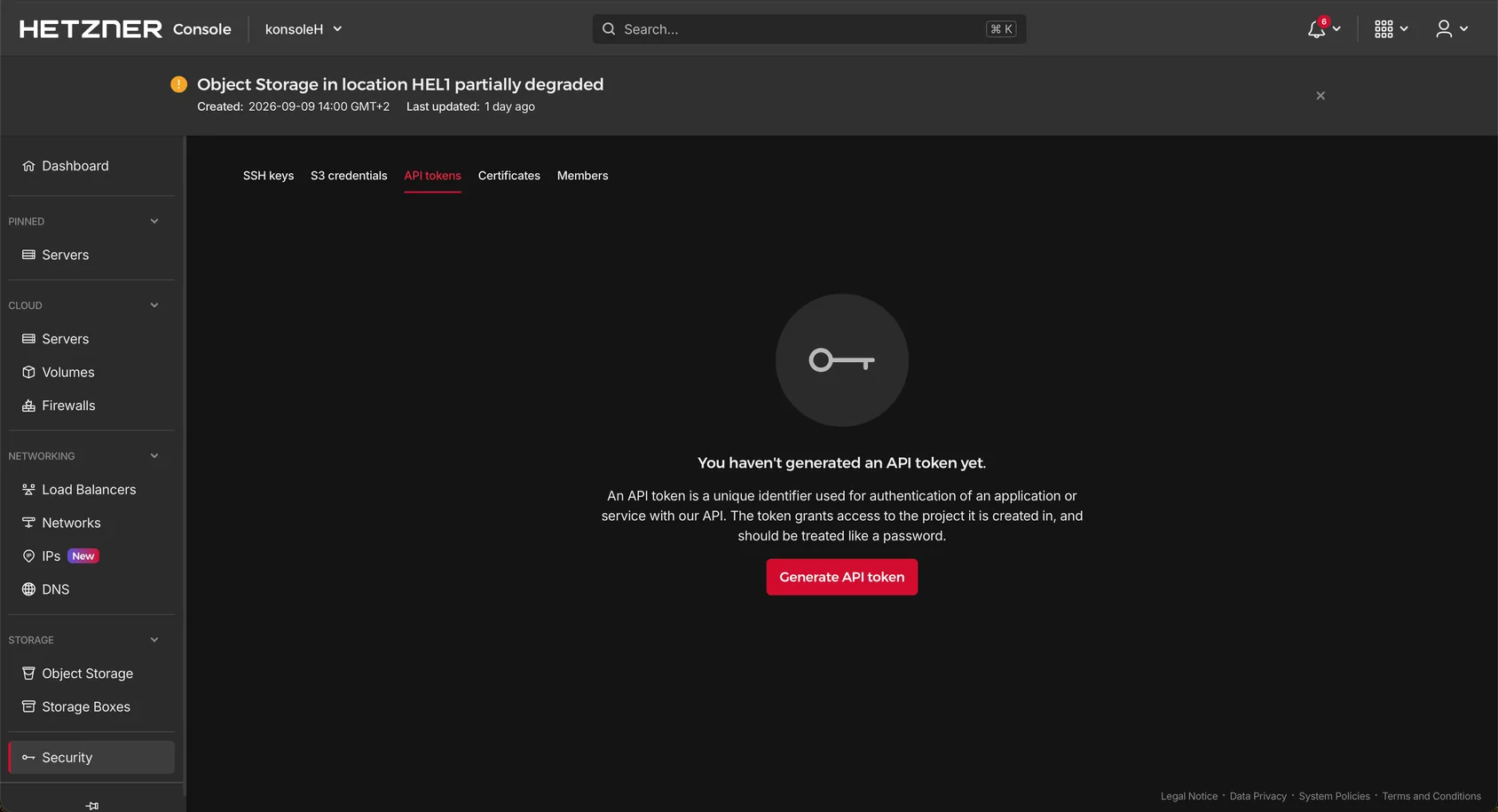
Open your project, then go to Security → API Tokens.
Select Generate API Token, give it a name (like "InfraNest"), and choose Read & Write.
Copy the token now — Hetzner shows it only once.
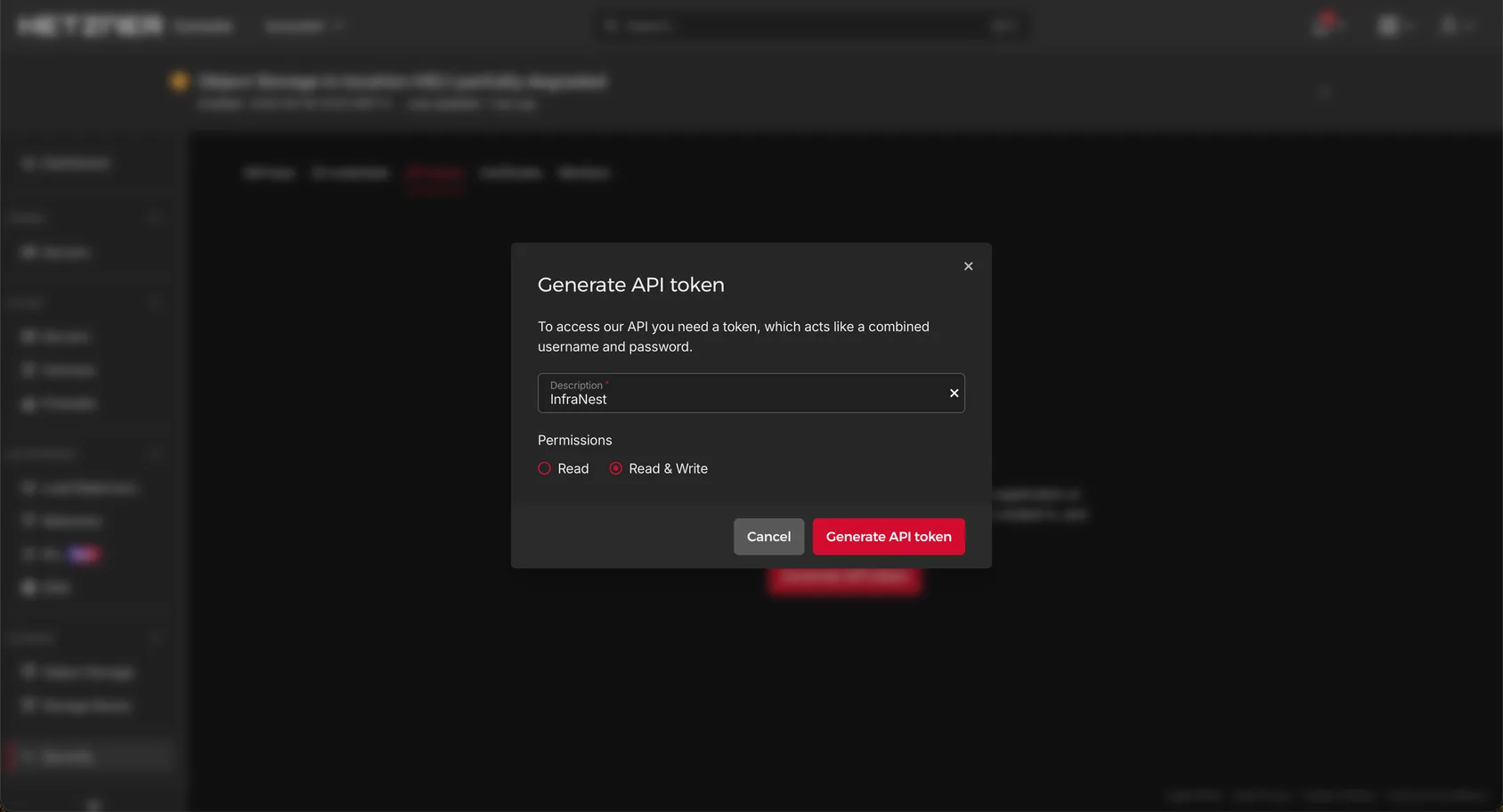
WarningChoose Read & Write, not Read. A read-only token can see your resources but can't manage them.
Next step
Go back to InfraNest and follow Connect Hetzner to paste the token.
Was this article helpful?