

Connect your TransIP domains to InfraNest by generating an API key in your TransIP control panel — this guide is for anyone setting up the TransIP integration for the first time.
Overview
- InfraNest needs two things to connect to TransIP: your Account name and an API key.
- You generate both from your TransIP control panel, not from InfraNest.
- Once you have them, you'll enter them into InfraNest to finish the connection.
Create the key
- Sign in to the TransIP control panel.
- Go to Settings → API.
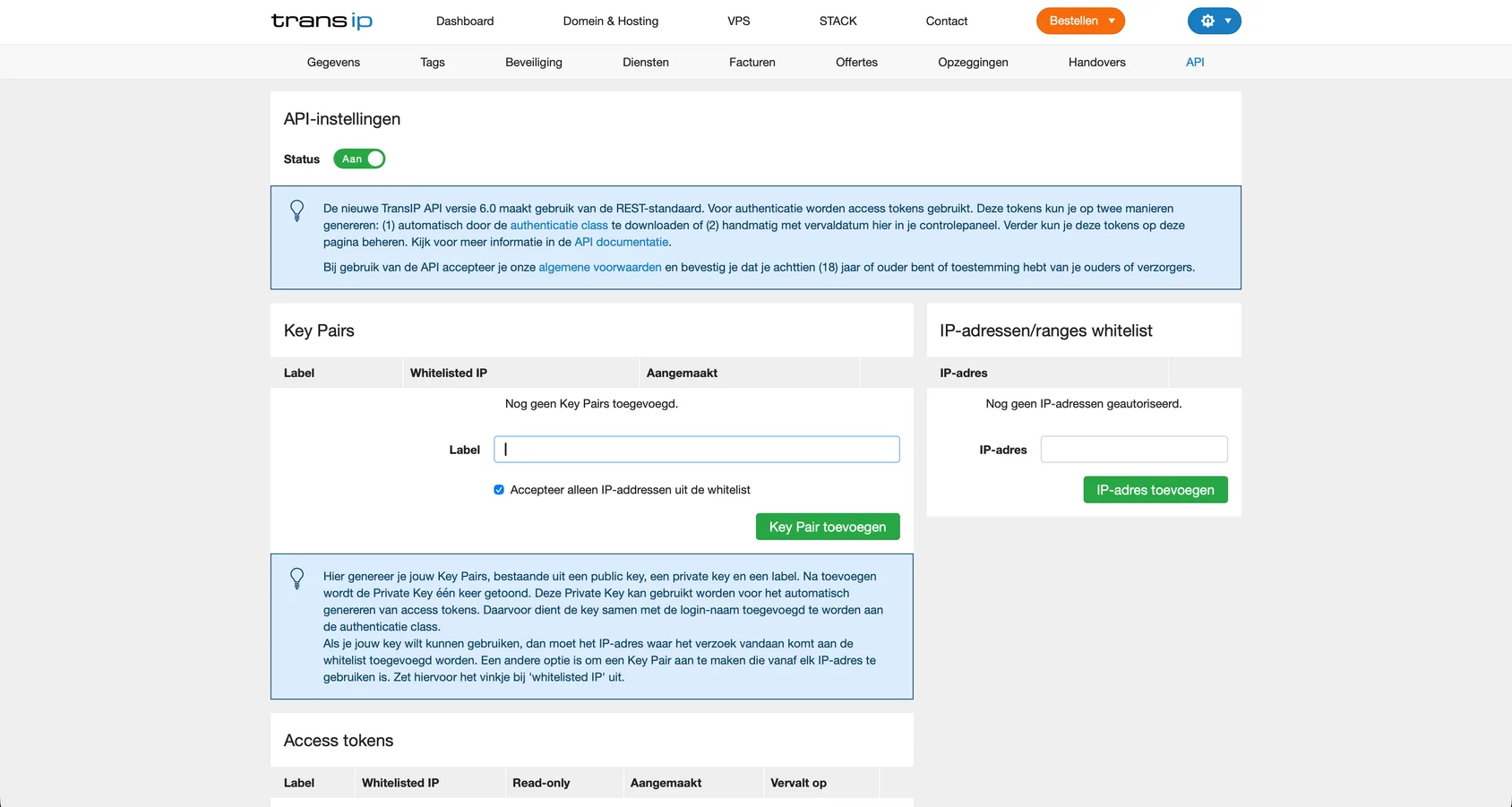
- Turn on API access and generate a key pair.
- Copy the private key.
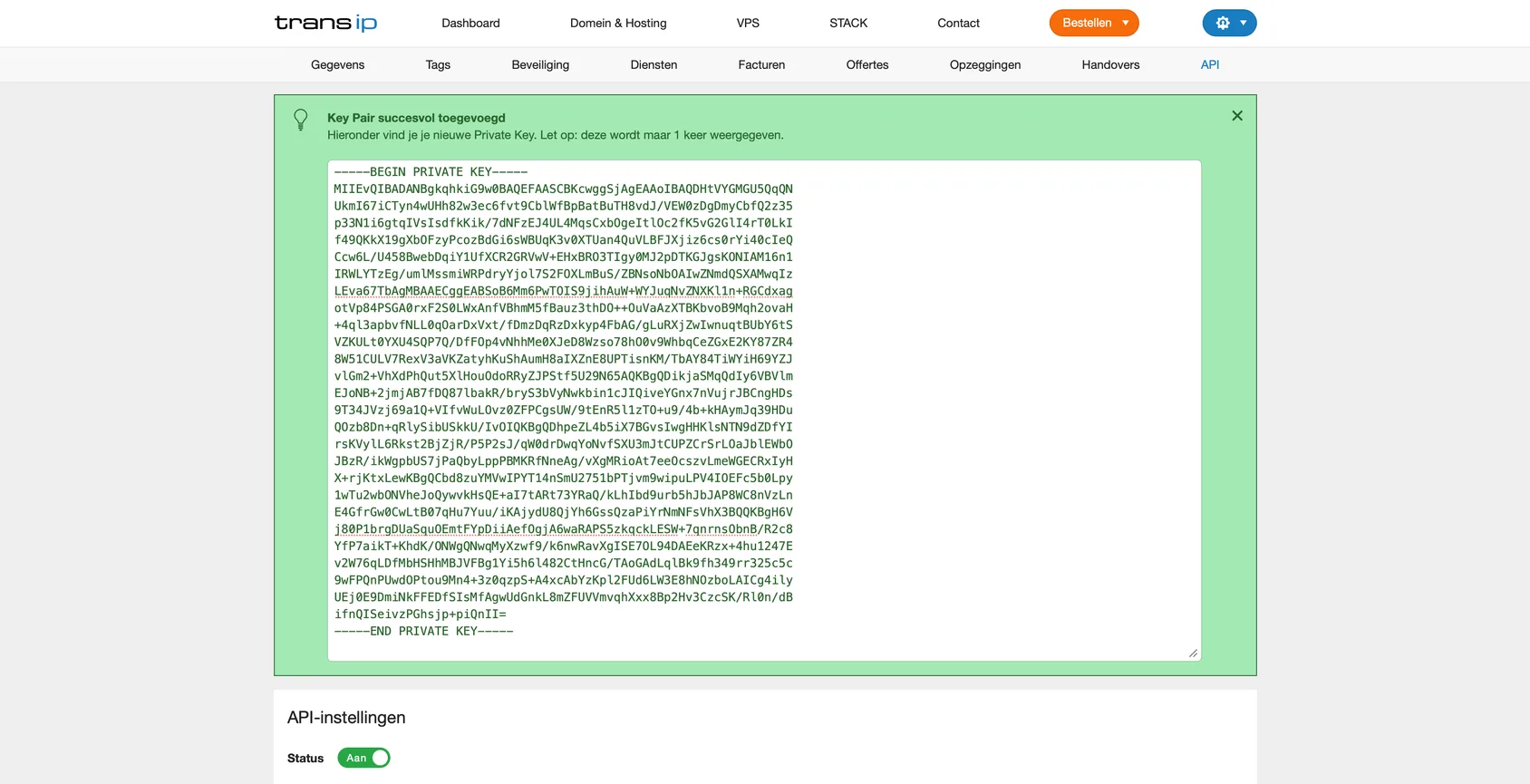
- Note your account name (your TransIP username) — you'll need it too.
TipLeave the key's IP-address restriction off (or add InfraNest's IP address) so the key works from InfraNest.
Next step
- Go back to InfraNest.
- Follow the steps to connect TransIP.
- Enter your account name and private key when prompted.
Was this article helpful?